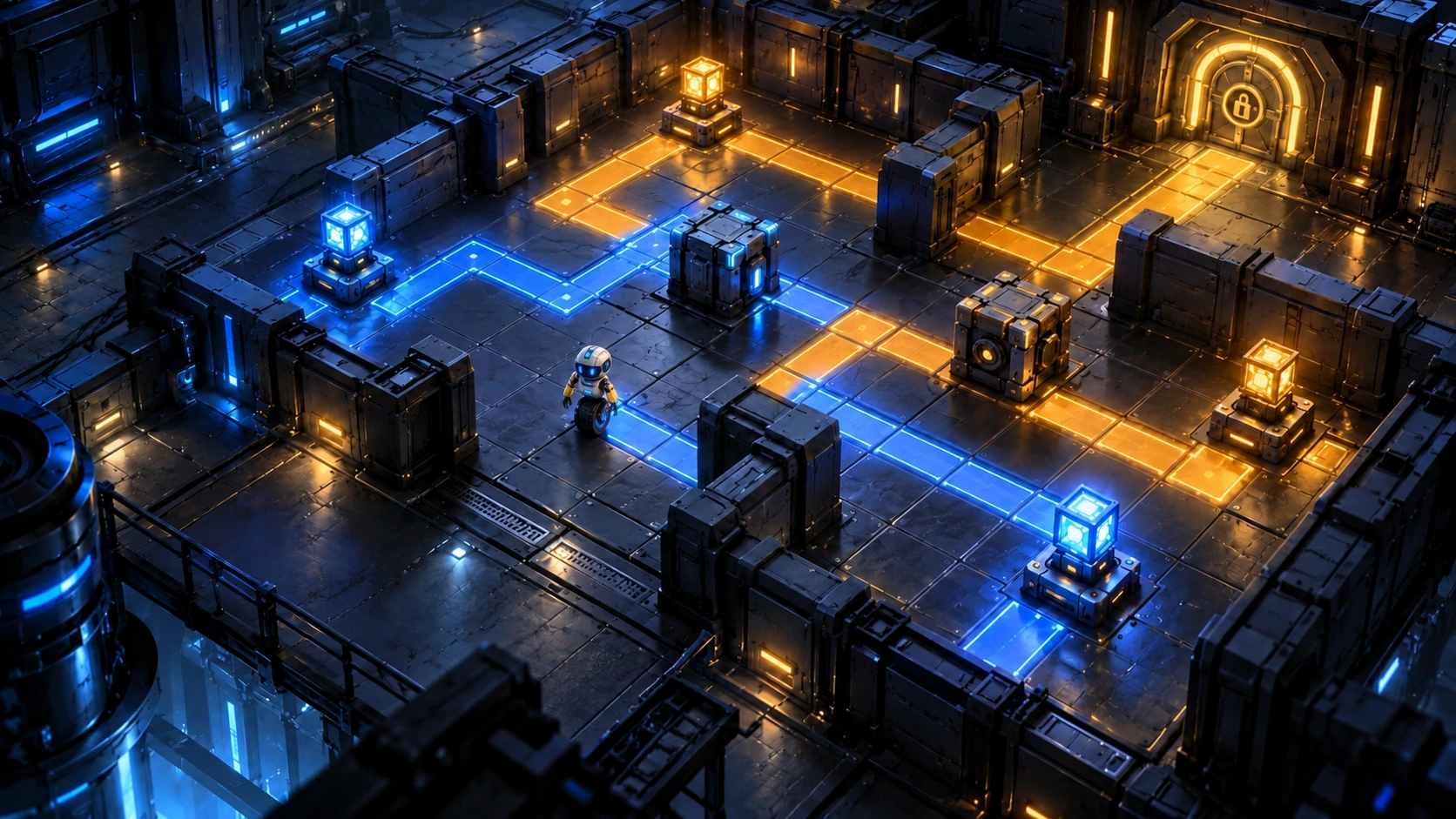
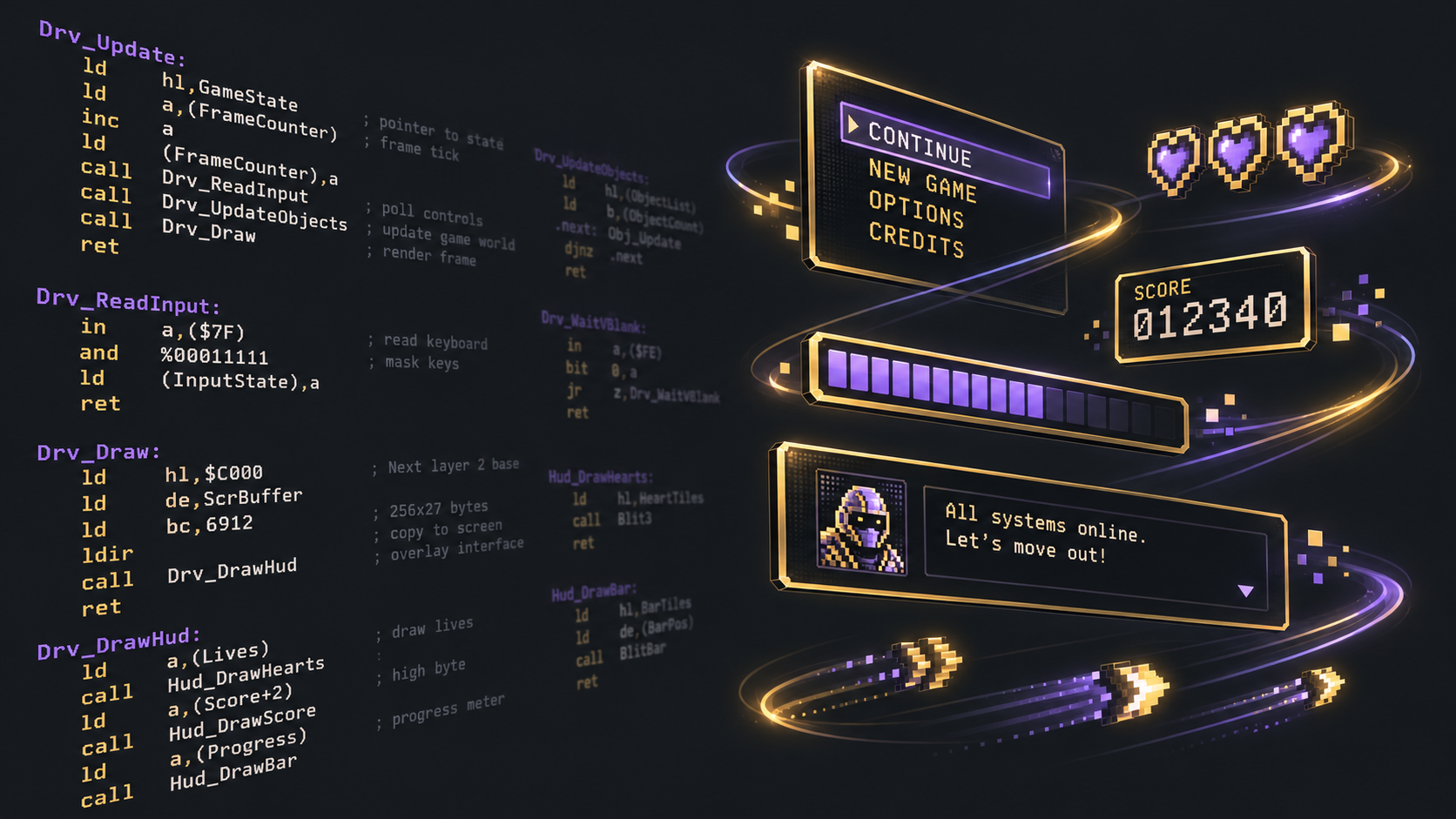
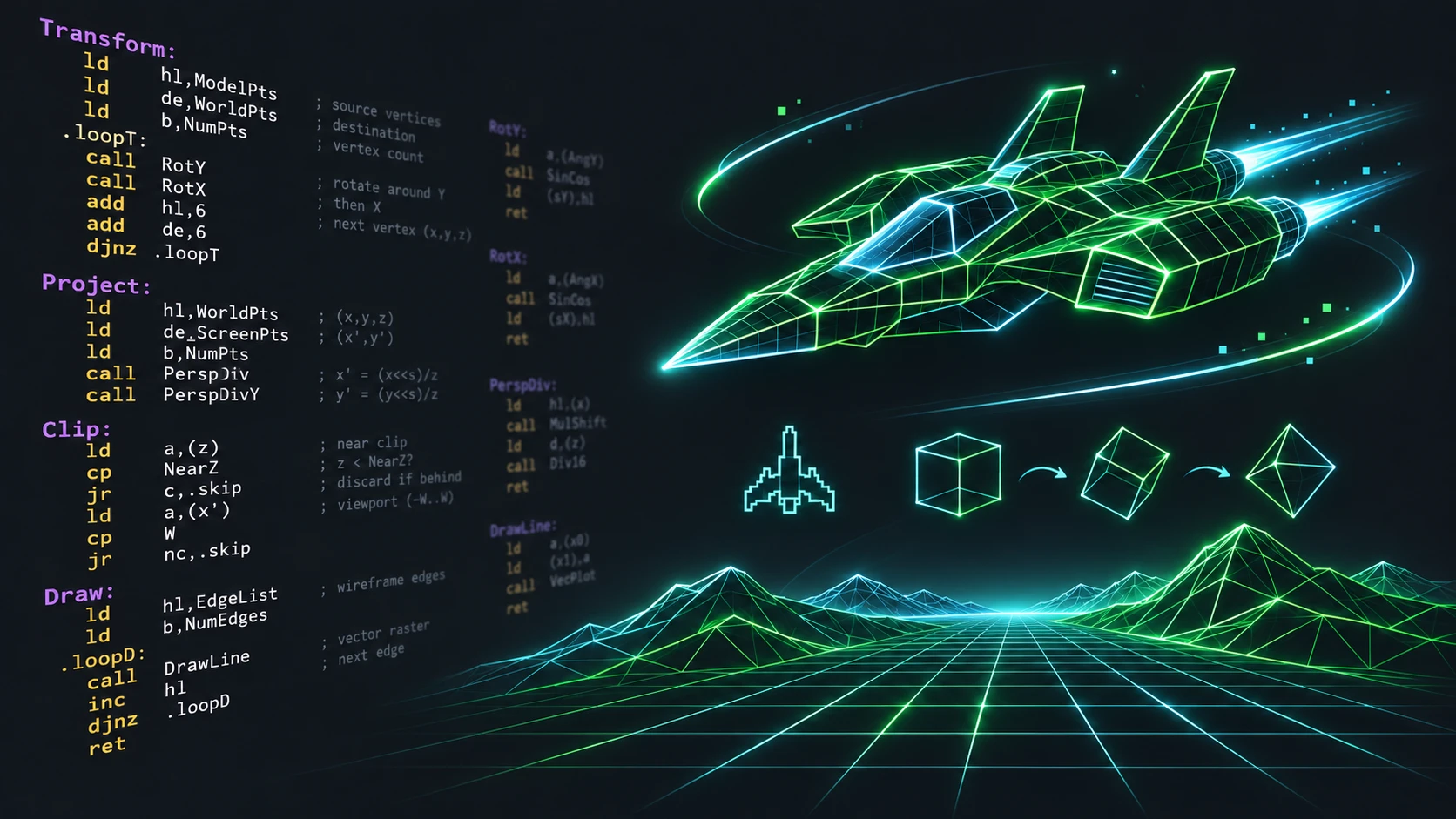
0115
INDEPENDENT SOFTWARE / ZX SPECTRUM NEXT
Old-school soul.
Next-level
possibilities.
Games, little experiments and big ideas.
Made for the machine that keeps us creating.
10 PRINT "HELLO, NEXT"
ON THE WORKBENCHON HOLD
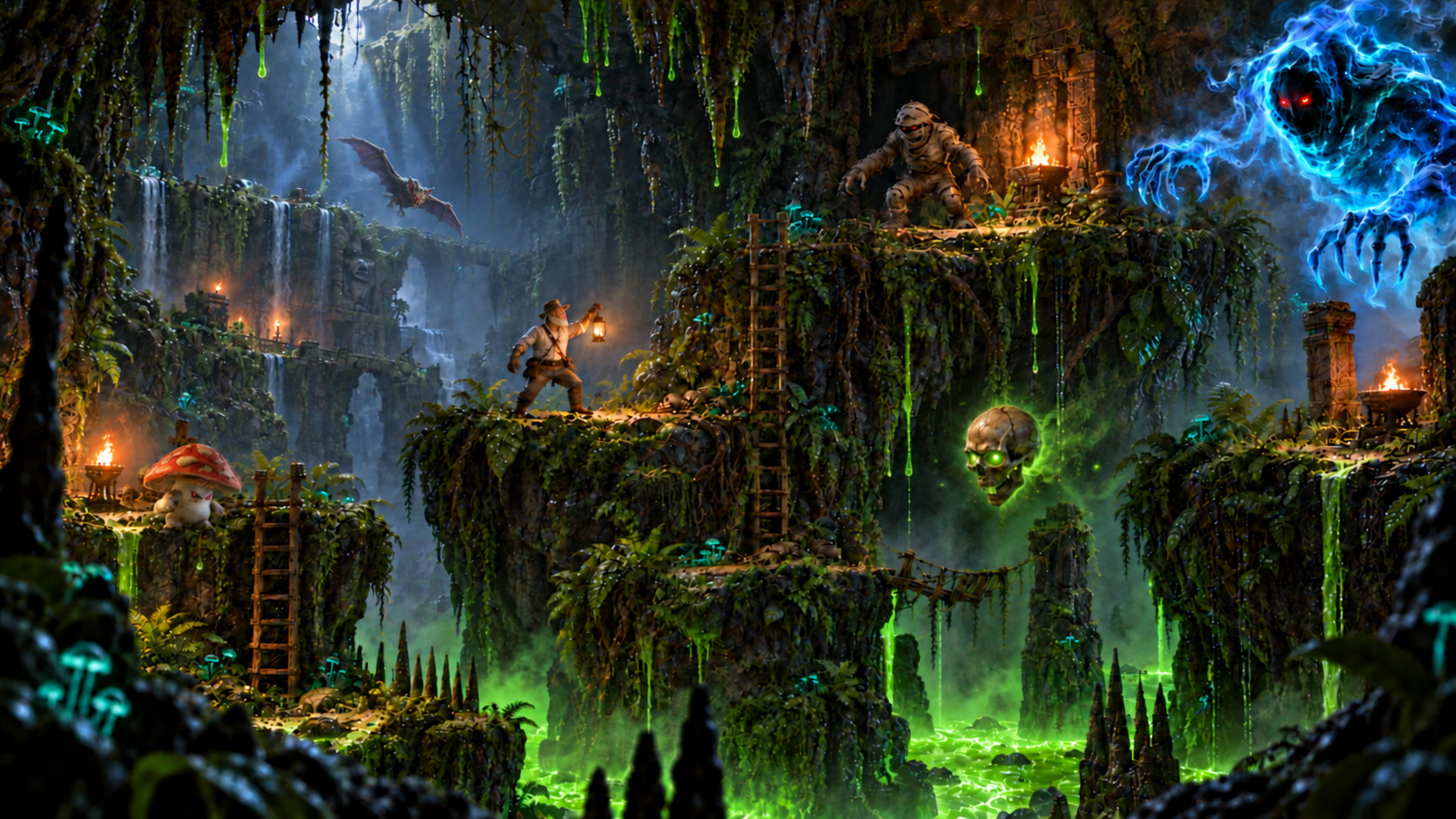 CONCEPT ART · NOT A GAME SCREENSHOT
NEXTBASIC · PLATFORM ADVENTURE
↗The Lost Caverns
A grandad with an adventurous streak.
A cavern full of trouble.
RECENTLY UPDATED
Follow the work. Find your next project.
The latest updates from the last 30 days.
audioControl Driver — Progress
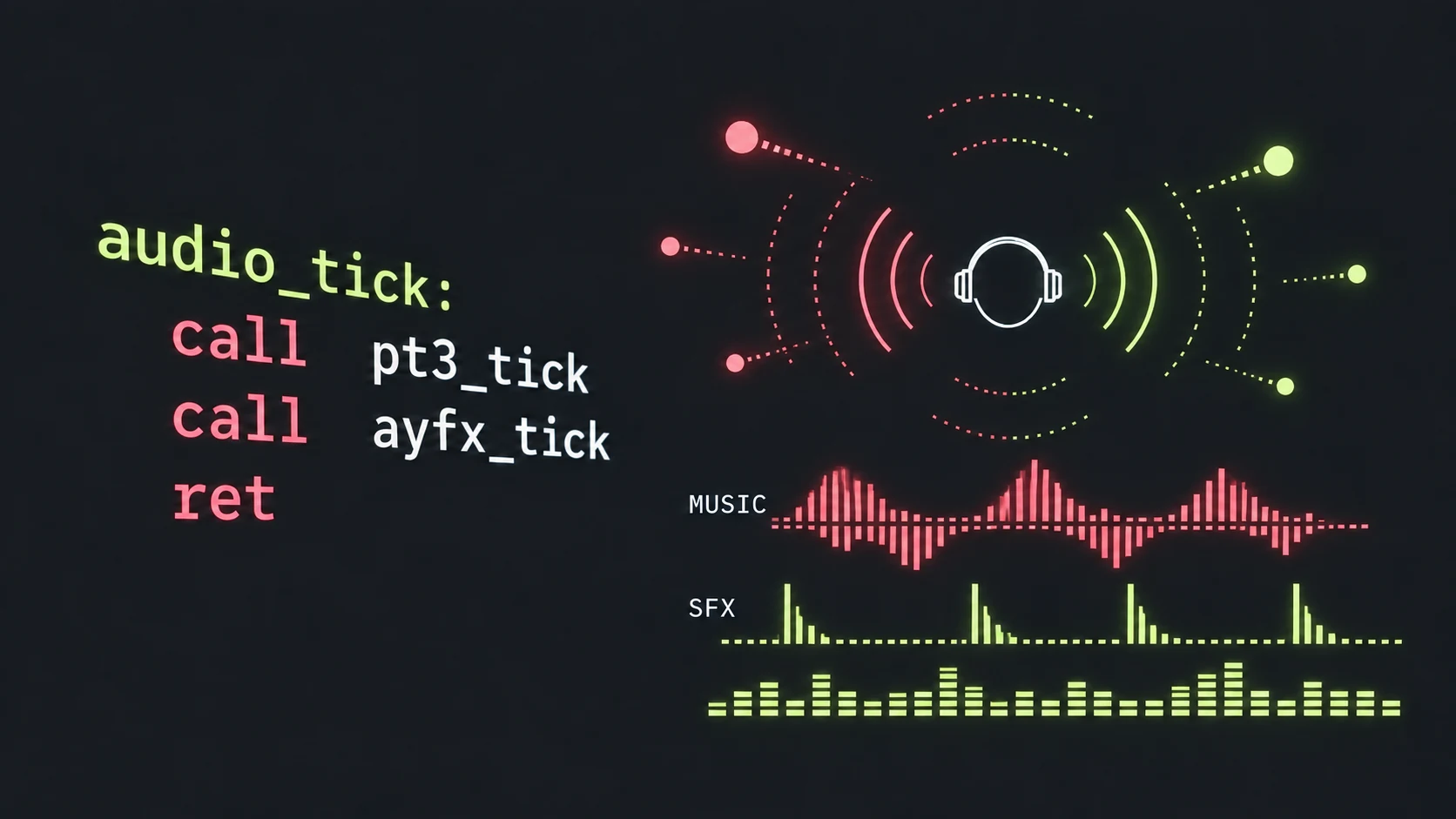
PT3 music and AYFX effects for games, with full-length mono PCM now streamed from SD to the DAC on real KS3 hardware.
Updated
scrollingControl Driver — Progress
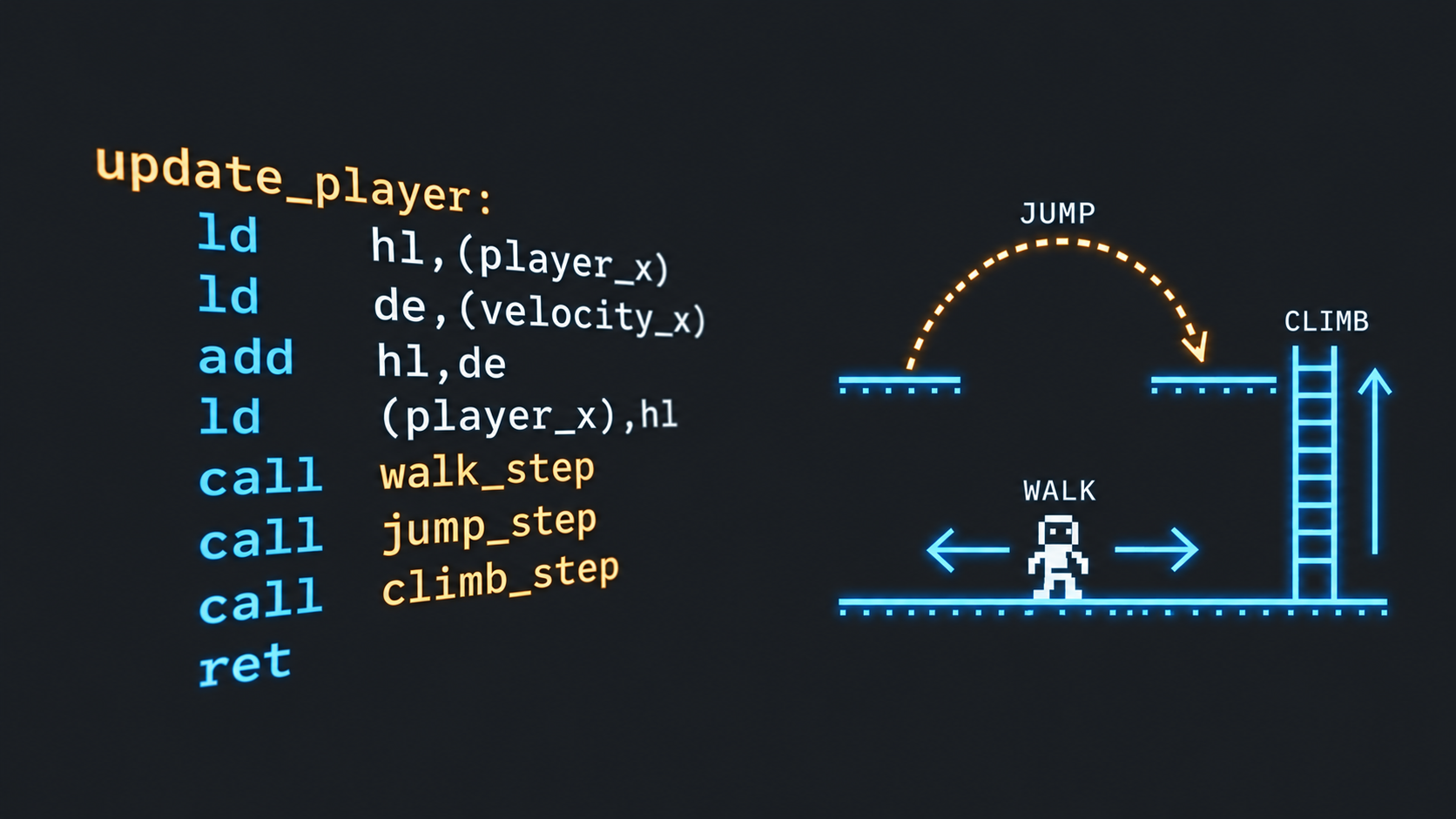
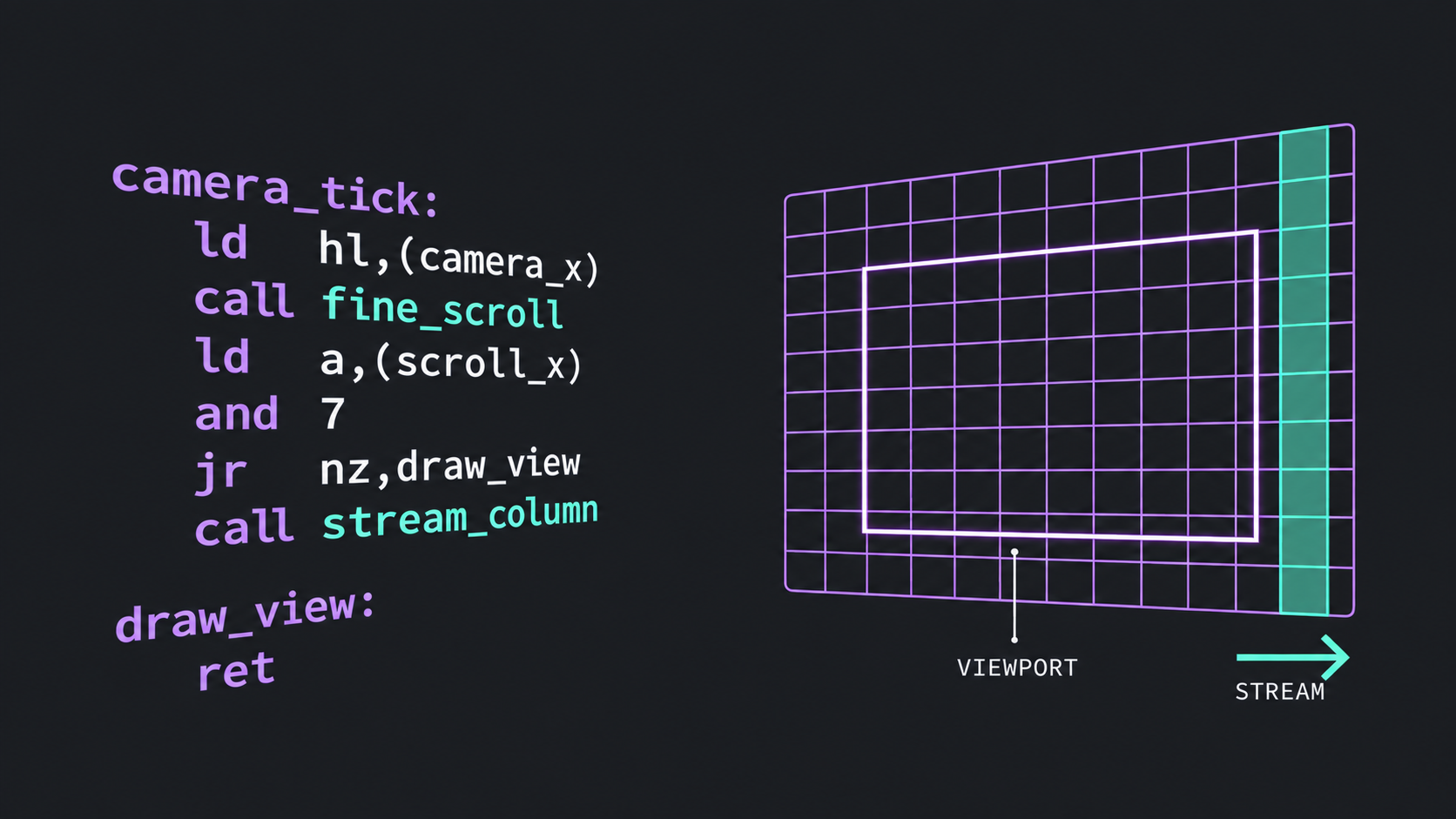
Smooth eight-direction scrolling across configurable worlds. Two KS3 hardware tests have now verified allocating, reading and releasing a bank for the world map.
Updated
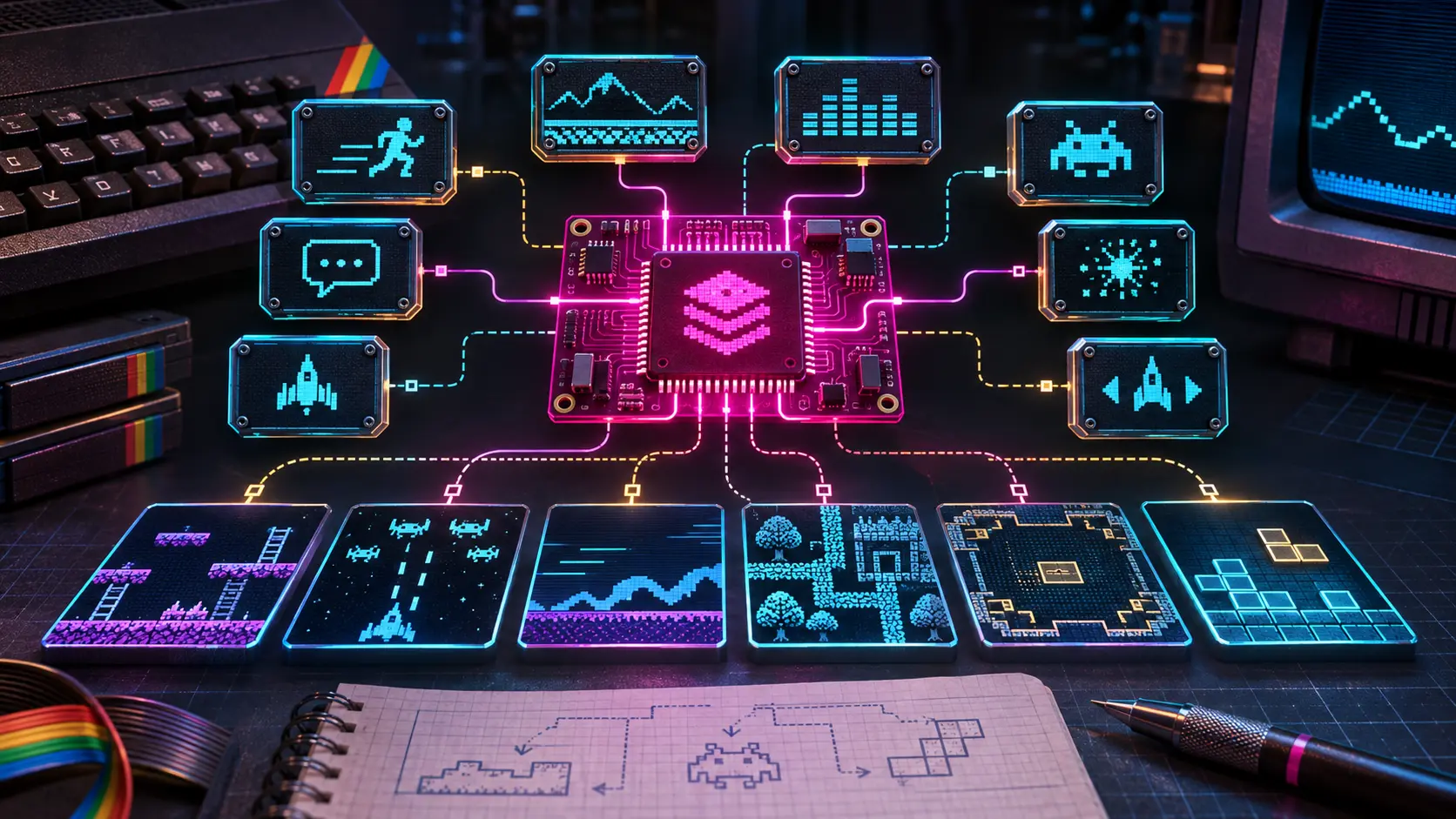
From platformers to shoot-em-ups: combining the Spectrum Next drivers
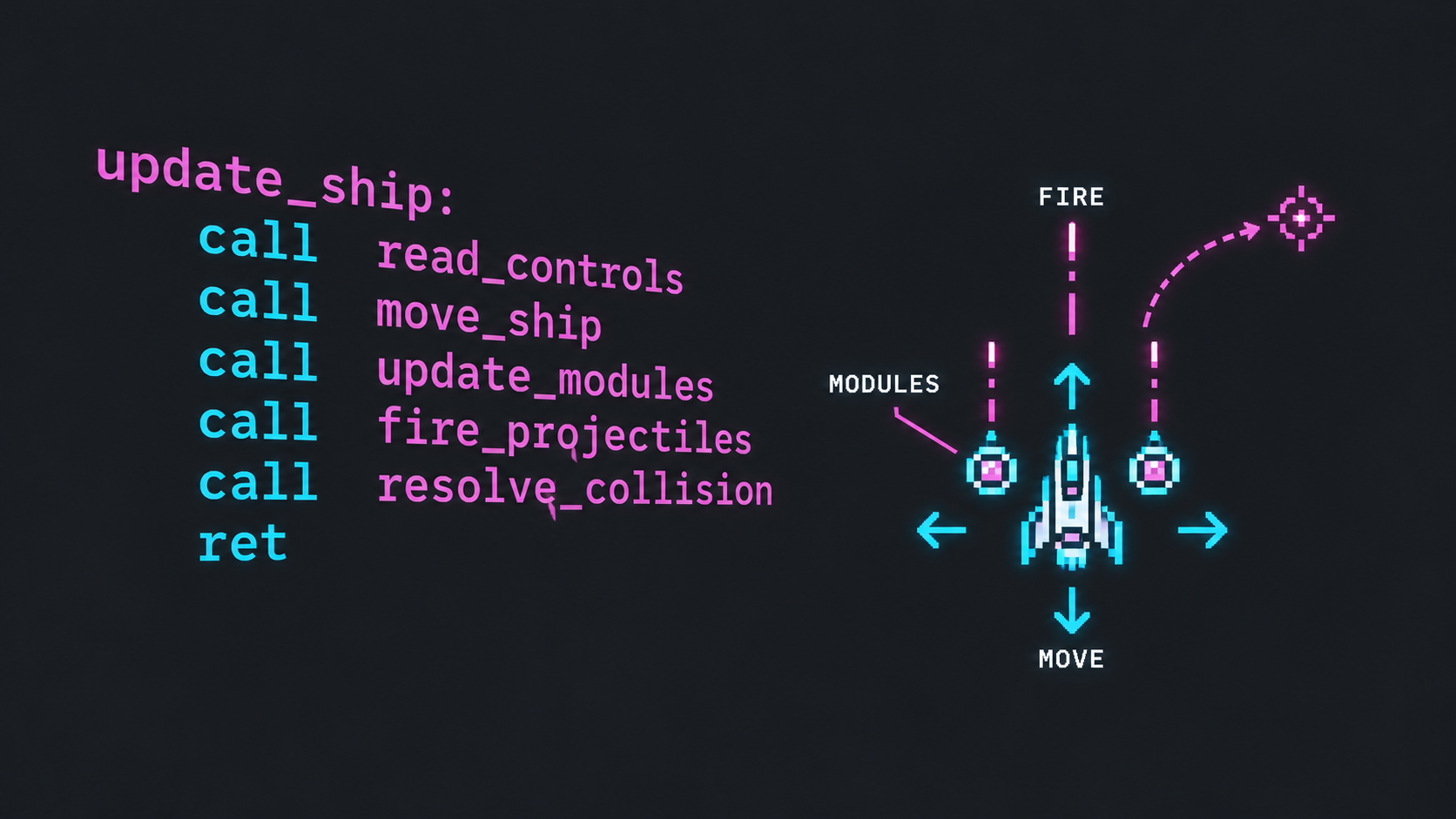
Proposed driver combinations for platformers, shoot-em-ups, runners, adventures, arena games and puzzles, with clear ownership and honest evidence boundaries.
Updated
GPT To Plugin Migration — Progress
Speccy Next Coding Coach will preserve the original GPT’s retro programming lessons, debugging guidance and native file workflows. The November audit puts migration at 69%, with a 10 December 2026 target. The v0.9.x plugin continues to grow beyond that date.
Updated
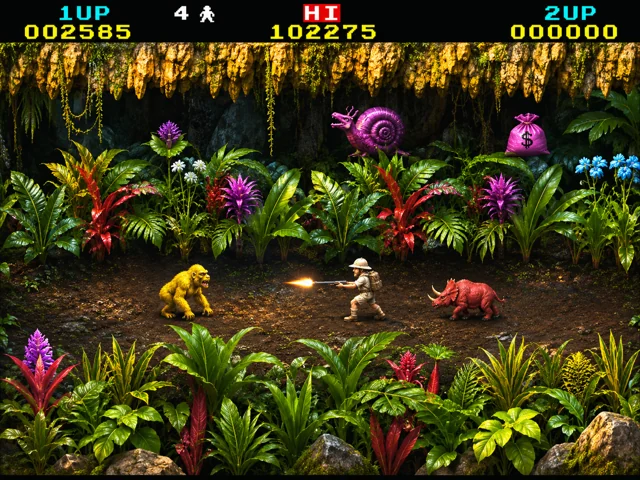
Speccy Games Reimagined — 3D screenshot recreations
Explore 27 hyper-realistic 3D recreations of classic ZX Spectrum game screenshots, from Ant Attack and Sabre Wulf to R-Type and Terra Cresta.
Updated
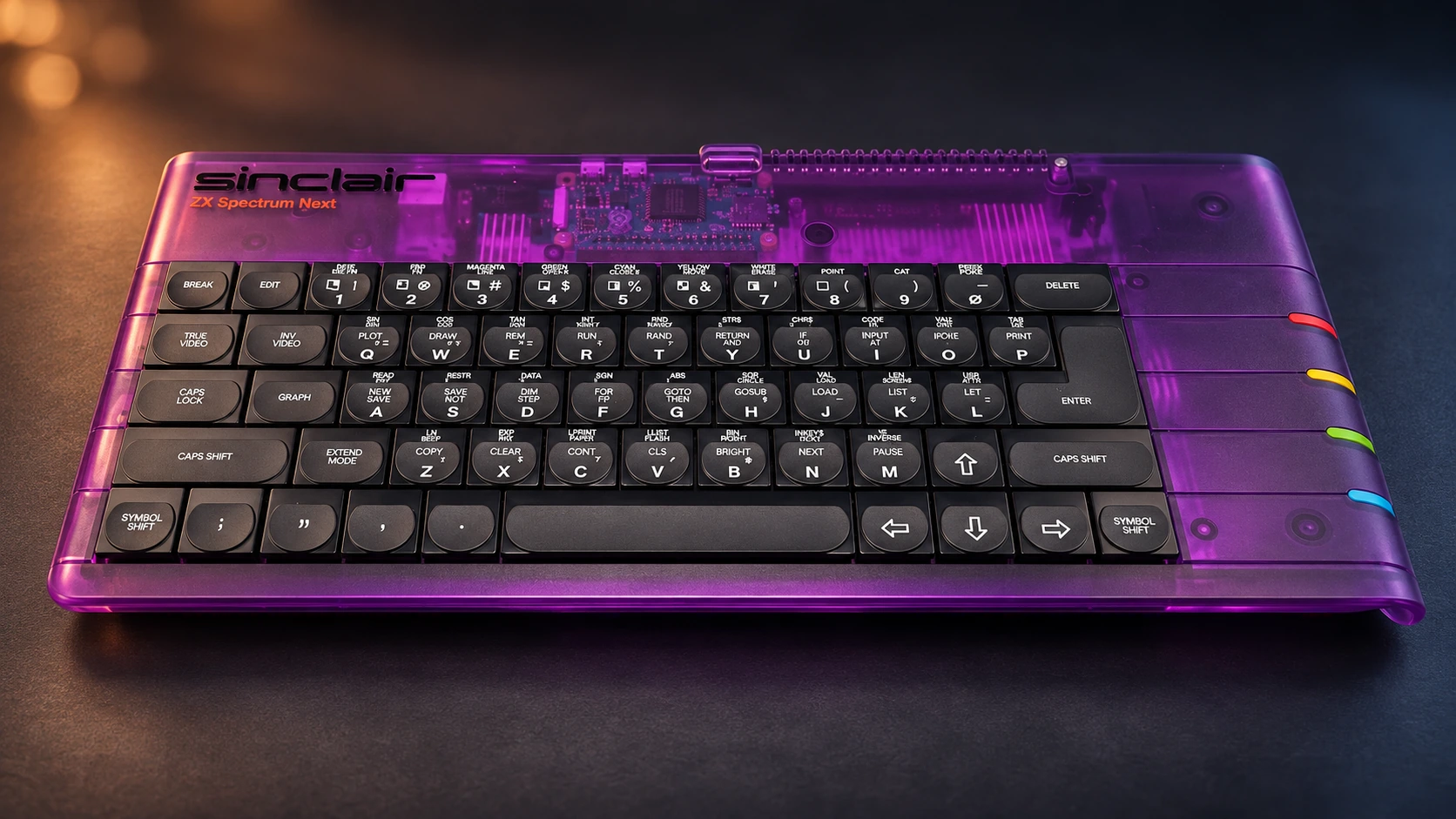
My KS3 Spectrum Next Has Arrived—and I’m a Kid at Christmas Again
A magenta Spectrum Next, a quietly amused wife, and the unmistakable buzz of unboxing something worth waiting for. My KS3 has arrived—and its first day in the workshop is already under way.
Published
More updates from the last 30 days (28)
- Developing for the Spectrum Next with AI: the help, the mistakes and the responsibilityArticles · Published
- vectorControl DriverProjects · Published
- Building the tools while building the gameArticles · Published
- Why CPU Speed Matters: A New Standard for Dystopian Pixel DriversArticles · Published
- uiControl DriverProjects · Published
- What belongs in BASIC—and what belongs in a driver?Articles · Published
- The Lost Caverns — Development StoriesIdeas · Updated
- Stage 7 — Add permanent walls and map collision — PHASELOCK tutorialTutorials · Published
- Stage 8 — Add Blue/Amber phase tiles — PHASELOCK tutorialTutorials · Published
- Stage 9 — Add scoring and backtracking — PHASELOCK tutorialTutorials · Published
- PHASELOCK — MILO concept galleryGallery · Updated
- About this tutorial — PHASELOCK tutorial — Dystopian PixelNoteNoteNoteTutorials · Published
- Project conventions and implementation assumptions — PHASELOCK tutorial — Dystopian PixelNoteTutorials · Published
- Stage 1 — Define the PHASELOCK game model — PHASELOCK tutorial — Dystopian PixelNoteTutorials · Published
- Lessons from the completed stages — PHASELOCK tutorialTutorials · Published
- Stage 6 — Introduce the logical 20×16 tile grid — PHASELOCK tutorial — Dystopian PixelNoteNoteTutorials · Published
- Appendix B — Development build history and tutorial mapping — PHASELOCK tutorial — Dystopian PixelNoteTutorials · Published
- Stage 5 — Add lean, travel and recovery animation — PHASELOCK tutorial — Dystopian PixelNoteTutorials · Published
- Stage 3 — Create native ZX Spectrum Next sprite assets — PHASELOCK tutorial — Dystopian PixelNoteNoteTutorials · Published
- Current baseline and next major stage — PHASELOCK tutorial — Dystopian PixelNoteNoteTutorials · Published
- Stage 2 — Design movement that suits a 16×16 robot — PHASELOCK tutorial — Dystopian PixelNoteNoteTutorials · Published
- Appendix A — Current v0.13 NextBASIC listing — PHASELOCK tutorialTutorials · Published
- Current v0.13 source map — PHASELOCK tutorialTutorials · Published
- Stage 4 — Establish one-press, one-tile control — PHASELOCK tutorial — Dystopian PixelNoteNoteTutorials · Published
- PHASELOCK — ProgressIdeas · Updated
- playerControl DriverIdeas · Updated
- Apps & downloadsDownloads · Updated
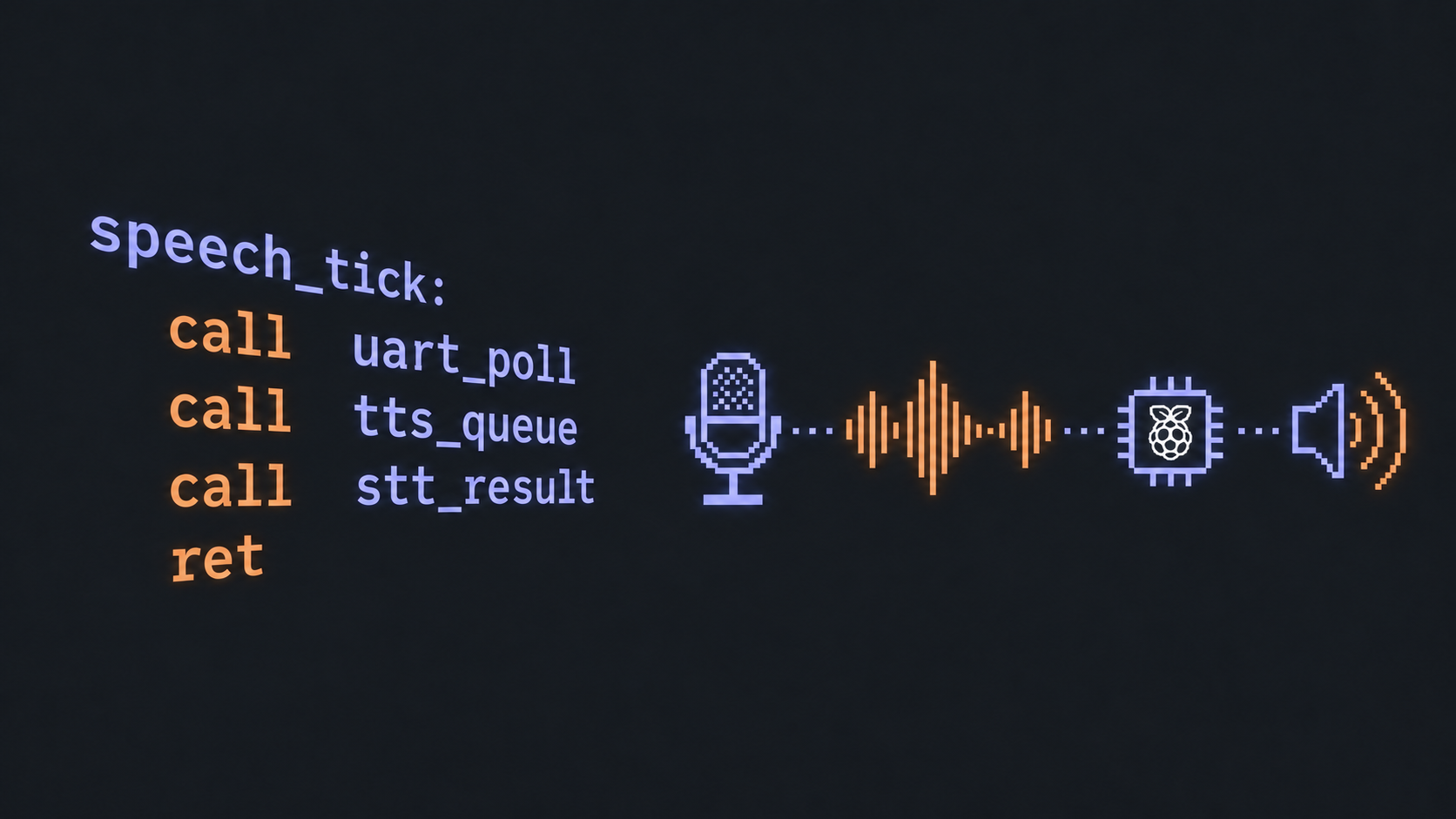
- speechControl Driver — ProgressIdeas · Updated
THE MACHINE BEHIND IT ALLA familiar spark.
A familiar spark.
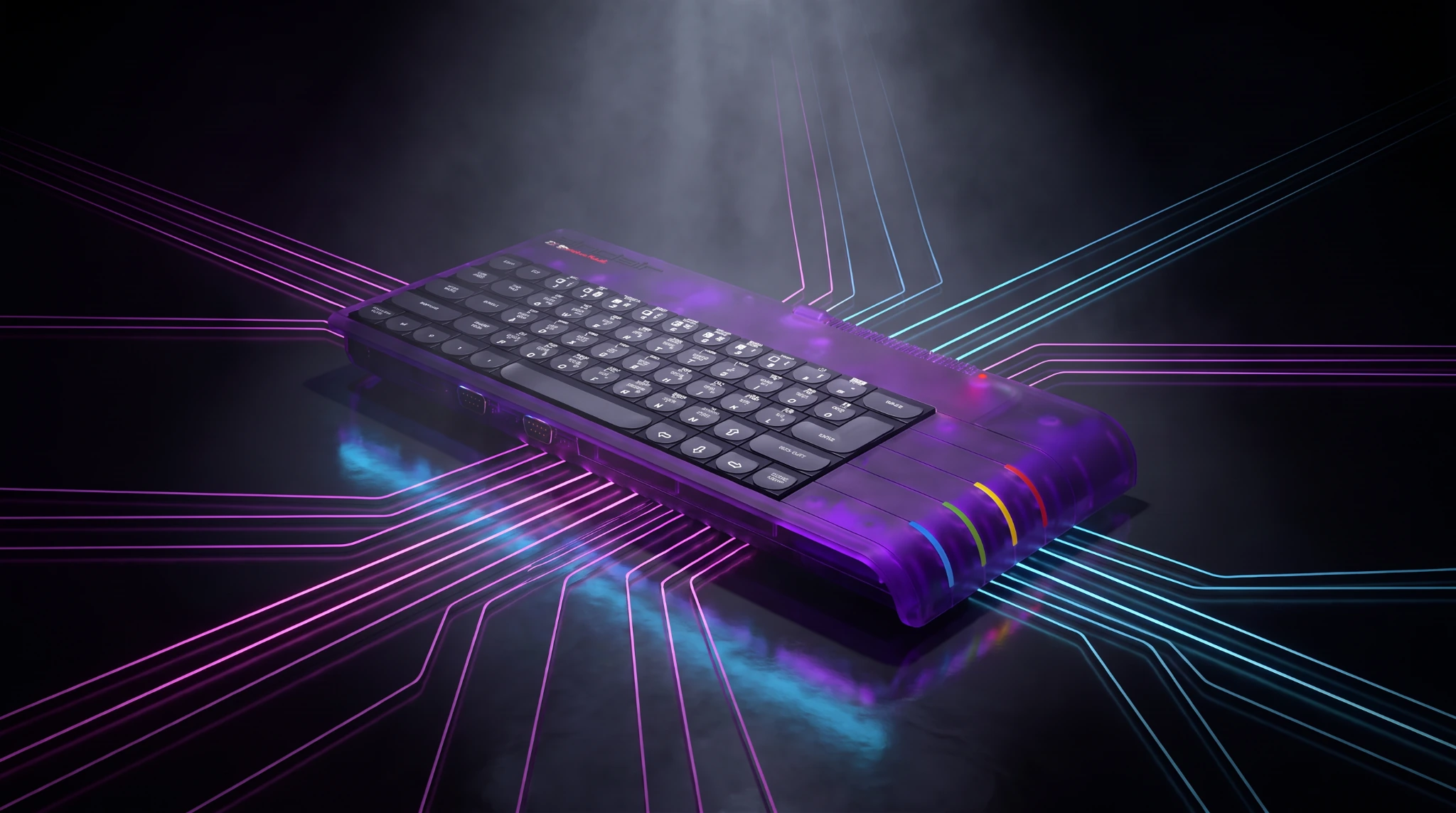
A whole new Spectrum.
The ZX Spectrum Next carries the spirit of the original into a new generation of hardware. A place for colourful sprites, curious experiments and the joy of making something yourself.
Meet the ZX Spectrum Next128hardware sprites
512colours in the palette
NextBASICTaking BASIC to the NEXT level.
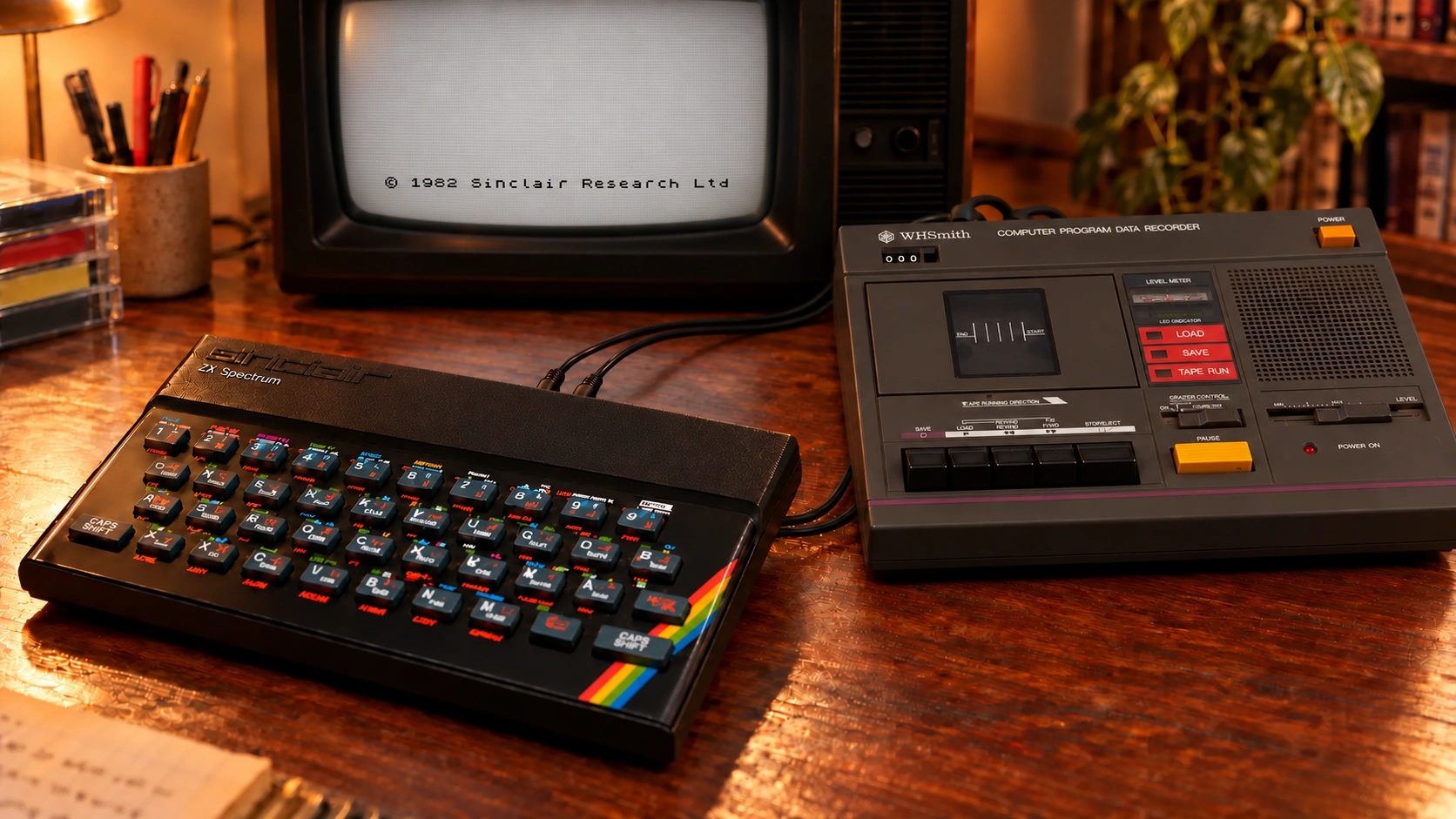
ZX SPECTRUM 48K COREWhere the spark
Where the spark
began.
The rubber-key 48K made home computing feel close.
Tape loading brought a press of Play and familiar bleeps
as the Spectrum turned a programme into something real.
3.5 MHzZ80A processor
48 KBmemory
Cassettetape loading
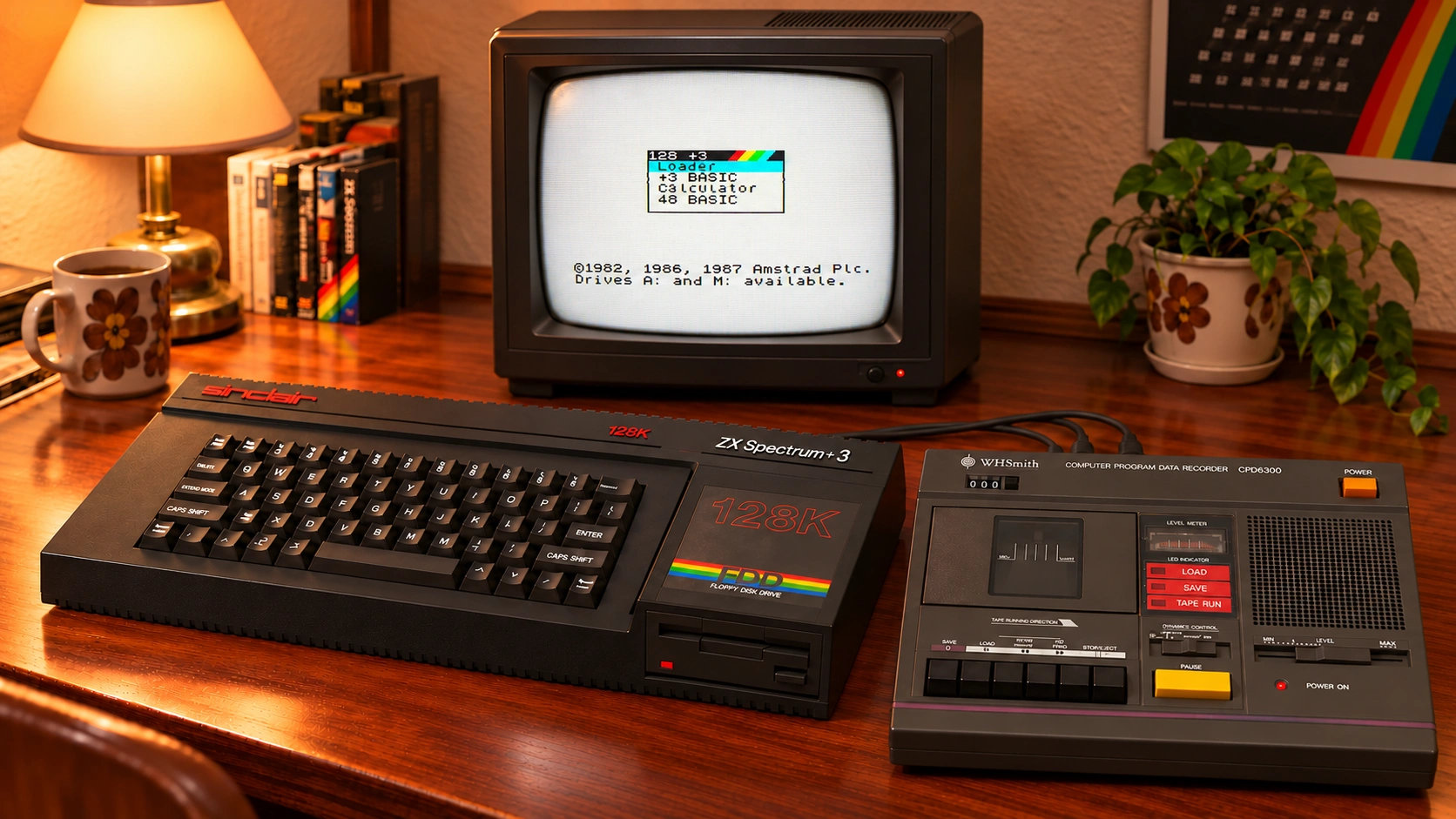
ZX SPECTRUM +3 COREA Spectrum with
A Spectrum with
a disc drive.
The +3 brought the Spectrum a refined grey case and a
built-in 3-inch disc drive, while keeping its familiar
Z80 and BASIC roots for loading and saving software.
3.5 MHzZ80A processor
128 KBmemory
3-inchbuilt-in disc drive
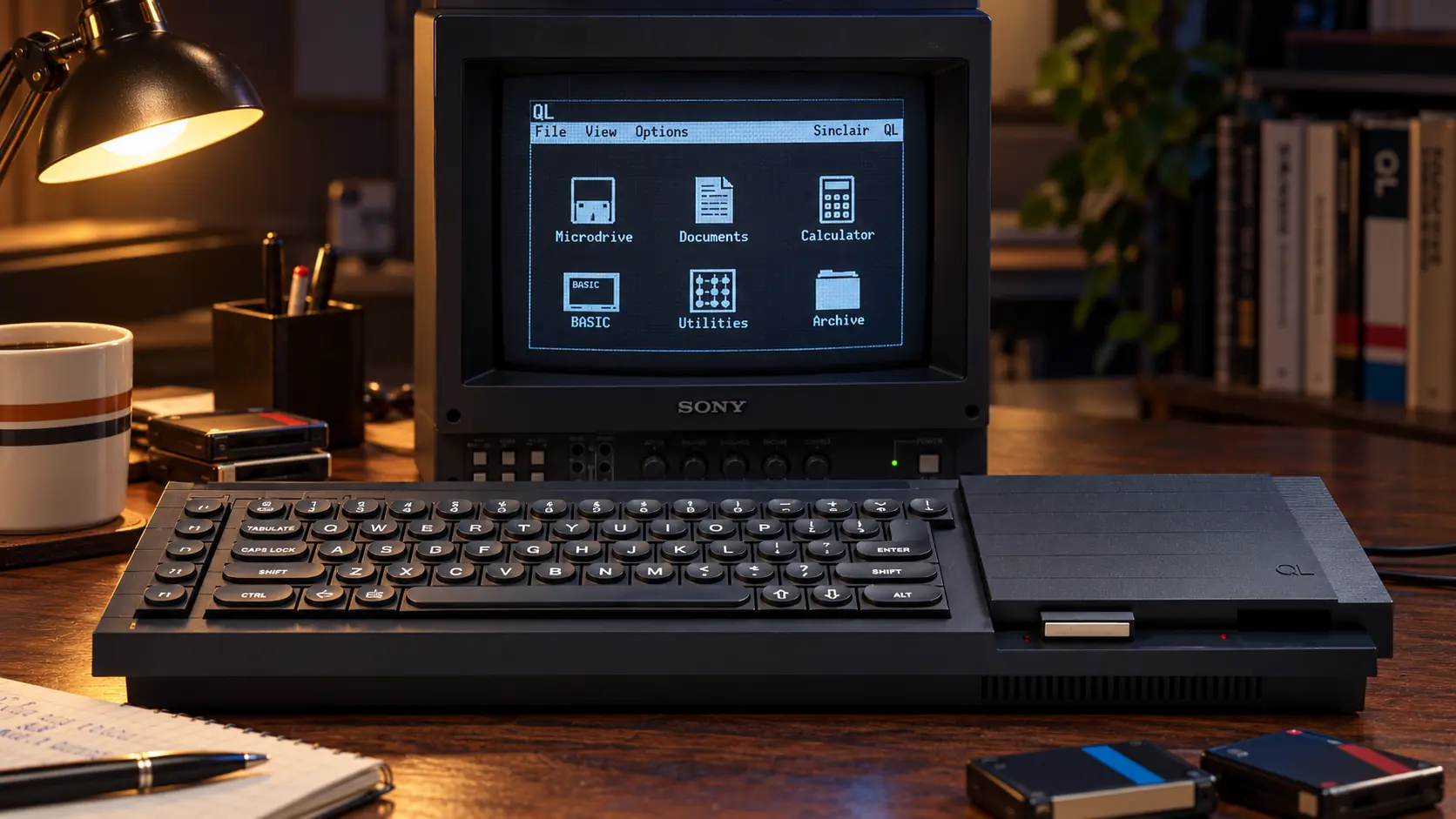
SINCLAIR QL COREAnother kind
Another kind
of Sinclair.
The QL core brings QDOS and SuperBASIC to the Next.
It adds a 68000-compatible mode with QL-style storage
and display options from a different branch of Sinclair history.
33 MHz68000 / 68020-compatible CPU
2 MBcore memory
QDOSSuperBASIC with Minerva options
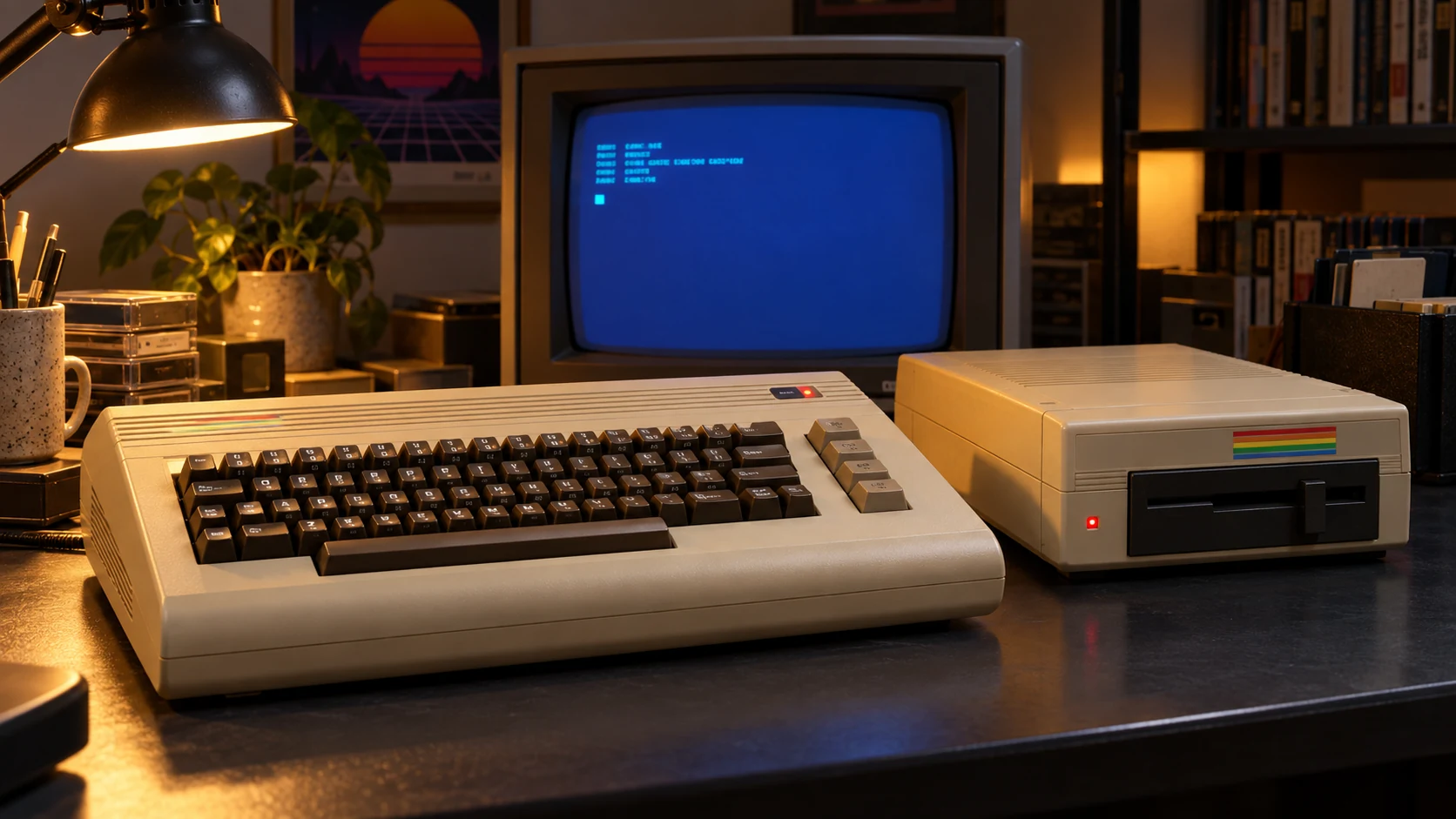
COMMODORE 64 COREA different
A different
8-bit sound.
The Commodore 64 brings a beloved 8-bit world to the Next.
Its graphics and SID sound helped define a generation
of games, demos and home-made music in the 1980s.
65108-bit processor
8hardware sprites
SIDthree-voice synthesiser sound
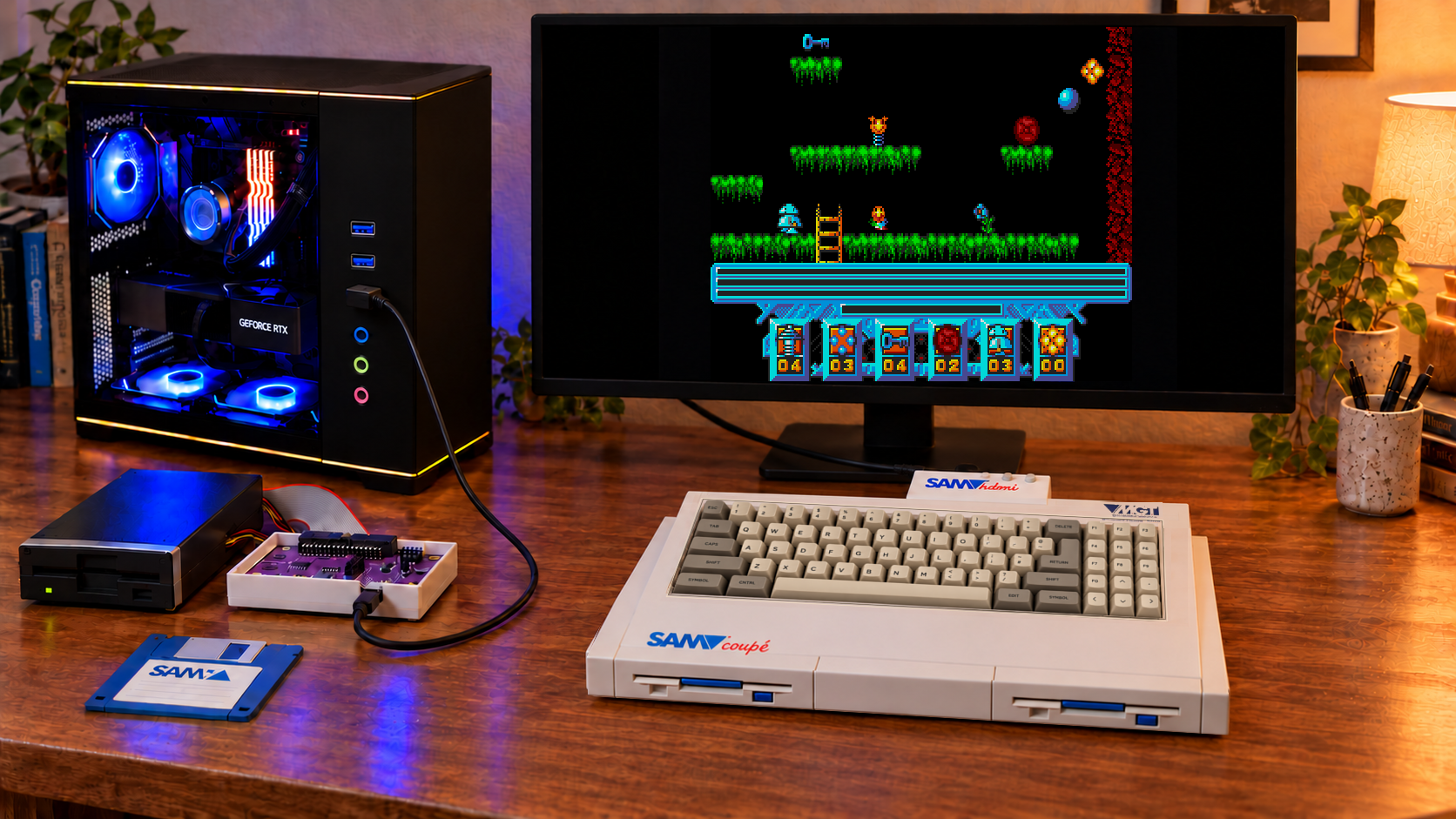
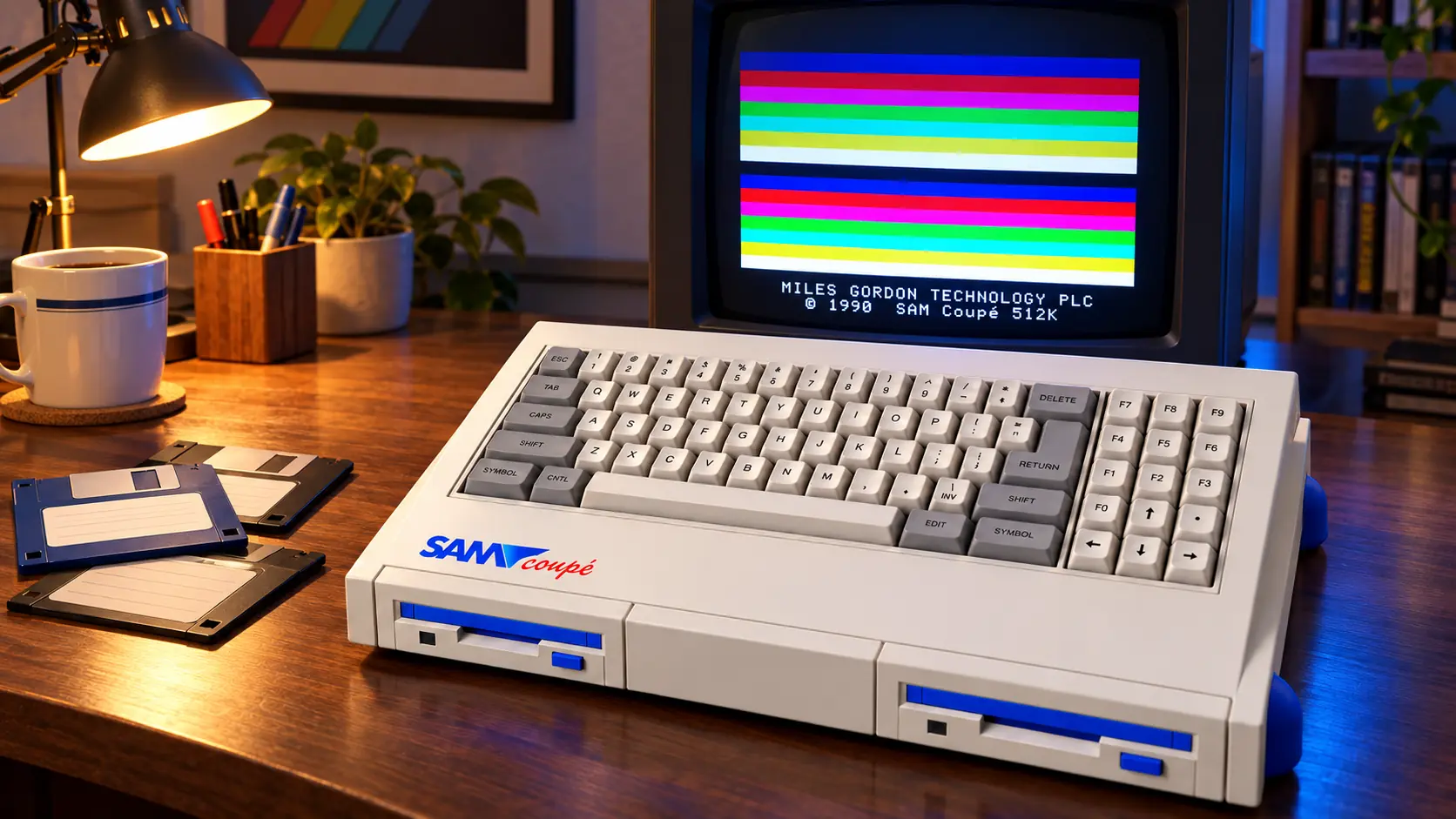
SAM COUPÉ COREThe next step, in
The next step, in
a different direction.
The SAM Coupé took a bold next step beyond the Spectrum.
It kept Z80 foundations, with richer screen modes and
more memory and stereo sound in a distinct British machine.
Z80B8-bit processor
6 MHzexpanded Z80 speed
SAA1099six-channel stereo sound
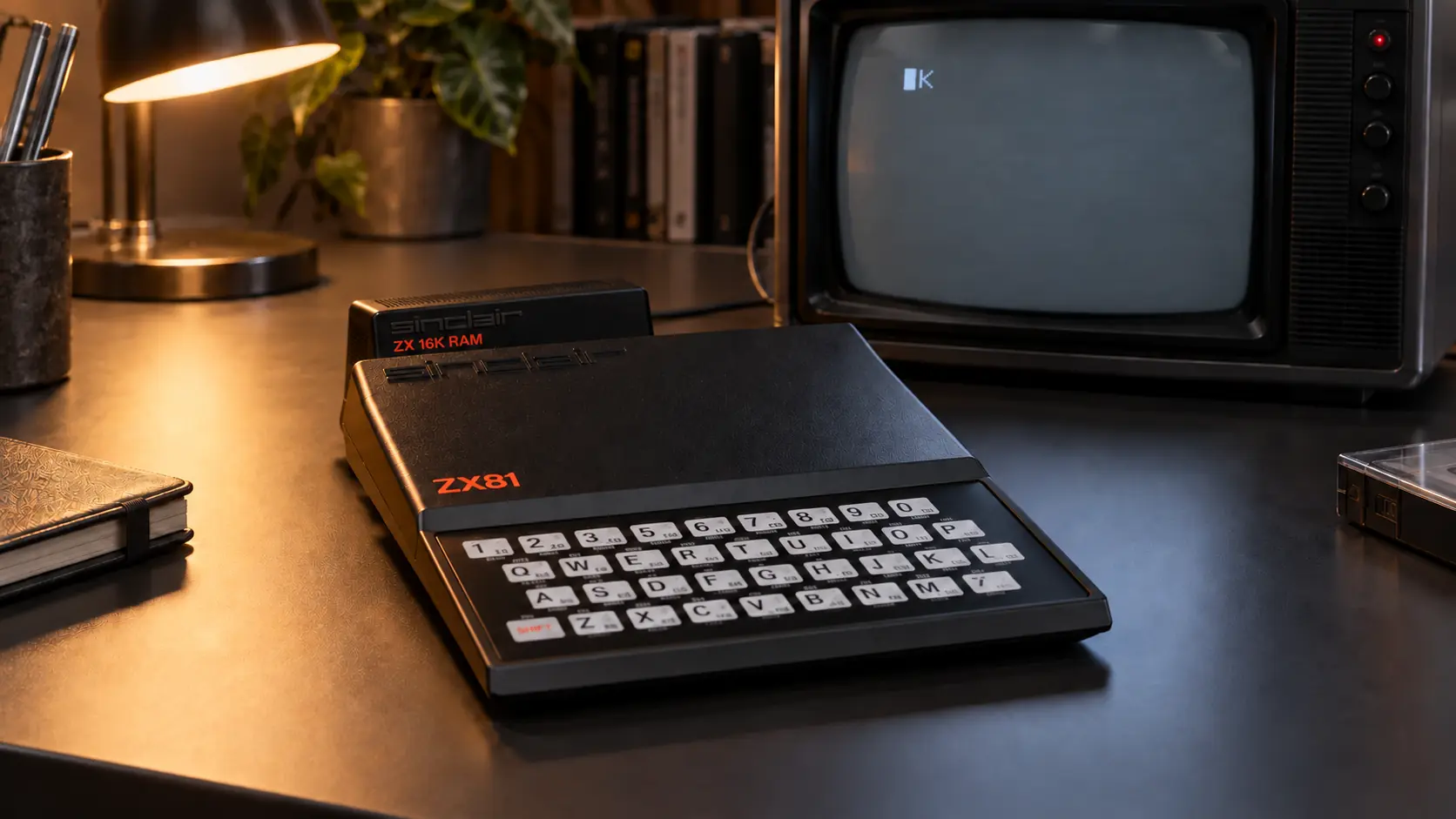
SINCLAIR ZX81 COREBack to the
Back to the
beginning.
The ZX81 reduced home computing to a membrane keyboard.
Its monochrome display had just 1 KB of memory, yet
a simple BASIC prompt could still start an adventure.
Z80A8-bit processor
1 KBoriginal standard memory
Monosimple monochrome display
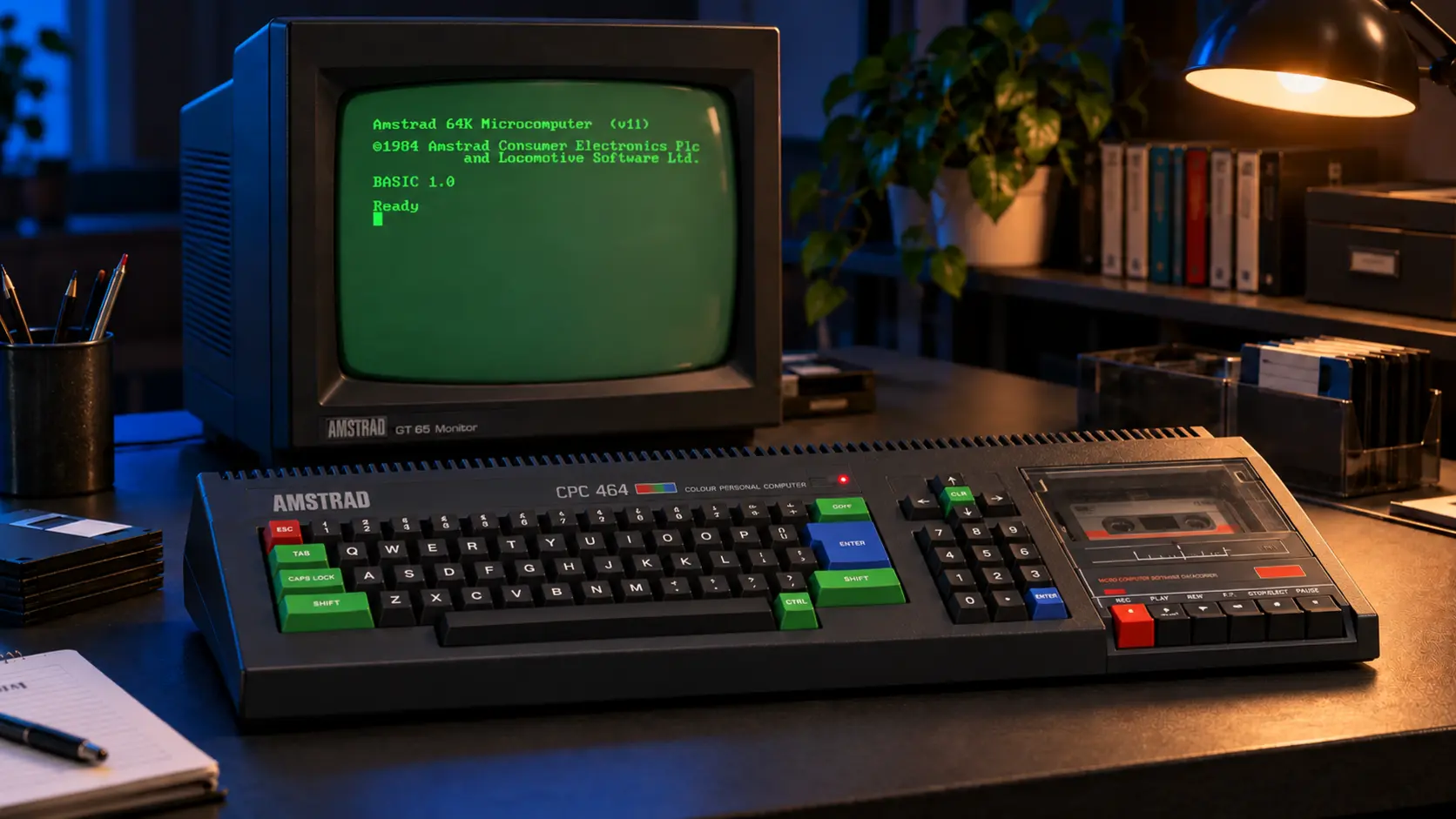
AMSTRAD CPC 464 COREA new corner
A new corner
of 8-bit Britain.
The Amstrad CPC 464 paired a compact keyboard with its
built-in cassette recorder and a green-screen monitor.
Its colour graphics and broad software library felt distinct.
Z80A8-bit processor
64 KBmemory
Cassettebuilt-in tape recorder