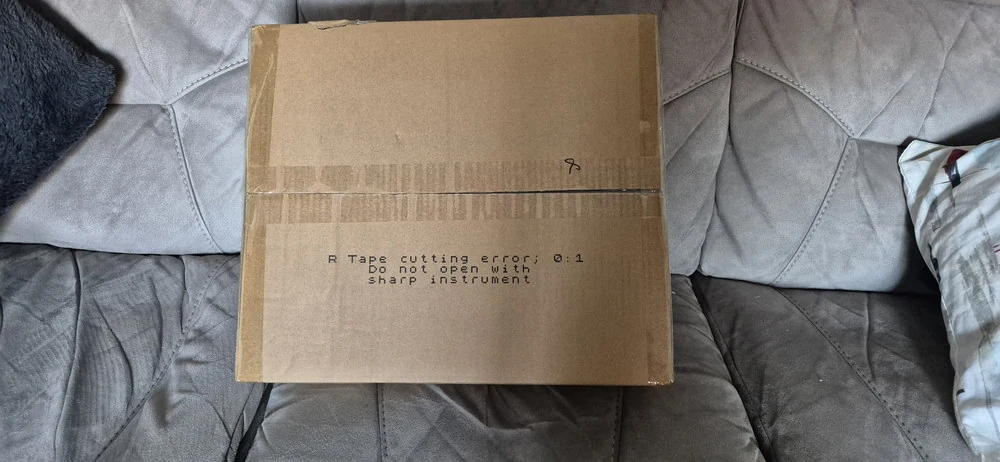
At around 13:10 on Saturday 14 November 2026, my new KS3 ZX Spectrum Next arrived. I had ordered it when the third Kickstarter was first announced. Now it was here, and I was a kid at Christmas. My wife was quietly laughing at me as I unboxed it. Fair enough, really. There was quite a buzz.
The wait ends with a cardboard box
There is a particular excitement to a delivery you have been looking forward to for a long time. Before it arrives, it is an order, an expectation and a machine you imagine having on your desk. Then there is a box in front of you, and you finally get to open it.
I already have an original KS1 Spectrum Next, so this was not my introduction to the machine or to what I want to do with it. That familiarity did absolutely nothing to make me more sensible about the unboxing. I was excited, and there was no hiding it.
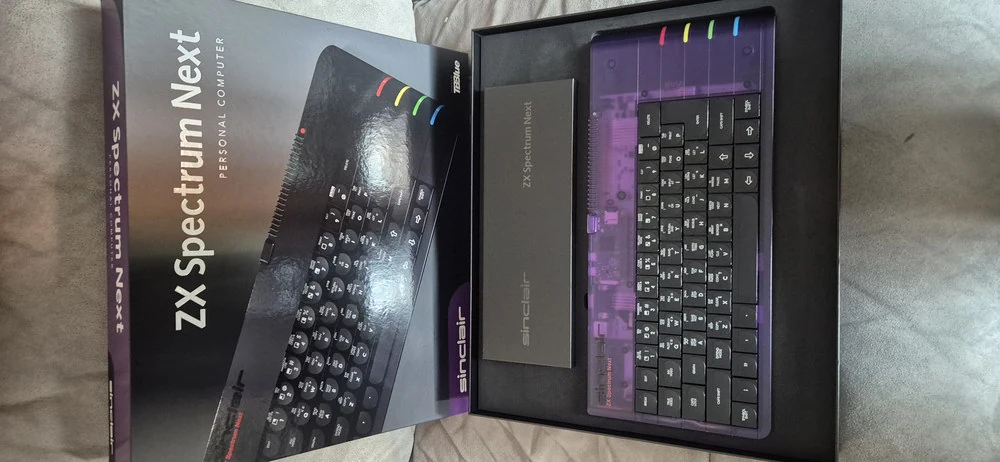
The photographs tell that part of the story better than a specification table could: the outer carton, the packaging inside, the Next box itself, and then the computer. Well worth the wait.
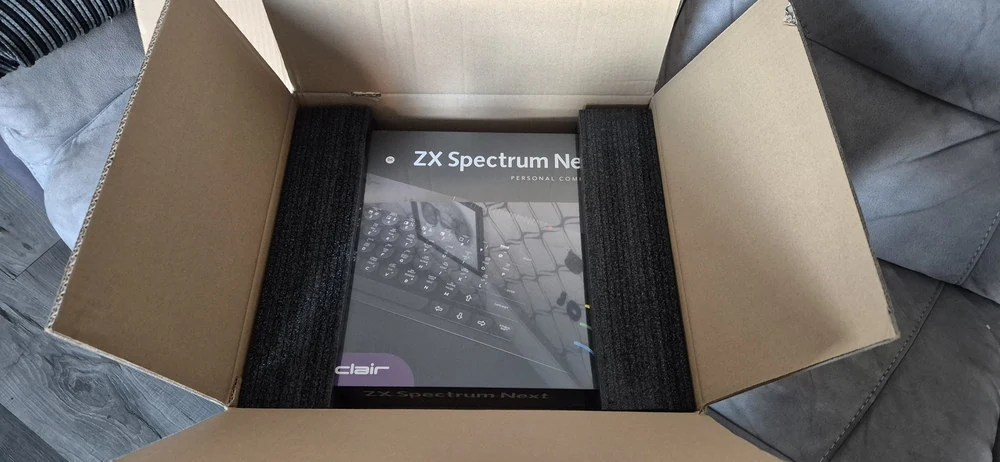
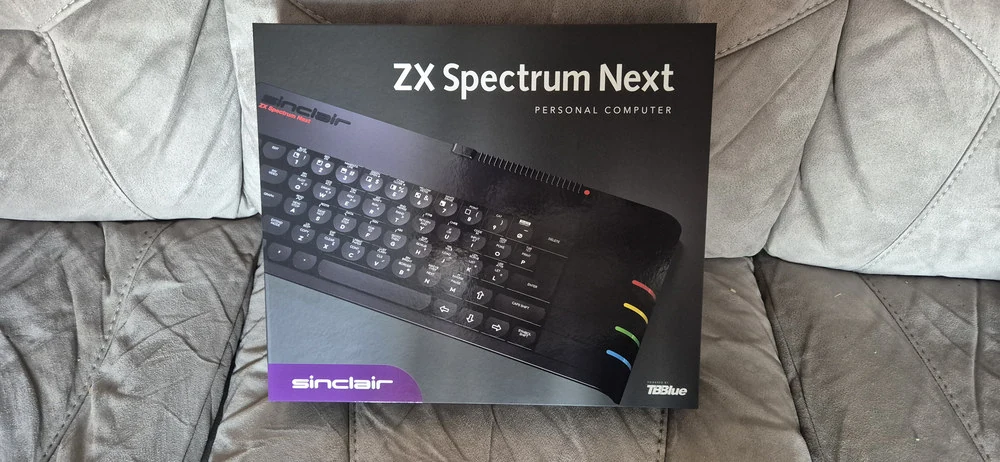
Made by people who love the Speccy
What struck me was the whole package. The box, the packing, the manuals and the Next itself all feel as though they have been developed and worked on by people who love the Speccy as much as we do.
That is my first impression as the person opening it, rather than a claim based on a tour of the production line. But it is a strong impression. The care does not seem to stop at the computer; it carries through the experience of getting to it.
For something with this much personal meaning, those details matter. There is pleasure in opening it properly, looking through what has arrived and taking photographs along the way. My wife’s quiet amusement was probably a fairly accurate review of just how much I was enjoying myself.
That translucent magenta case
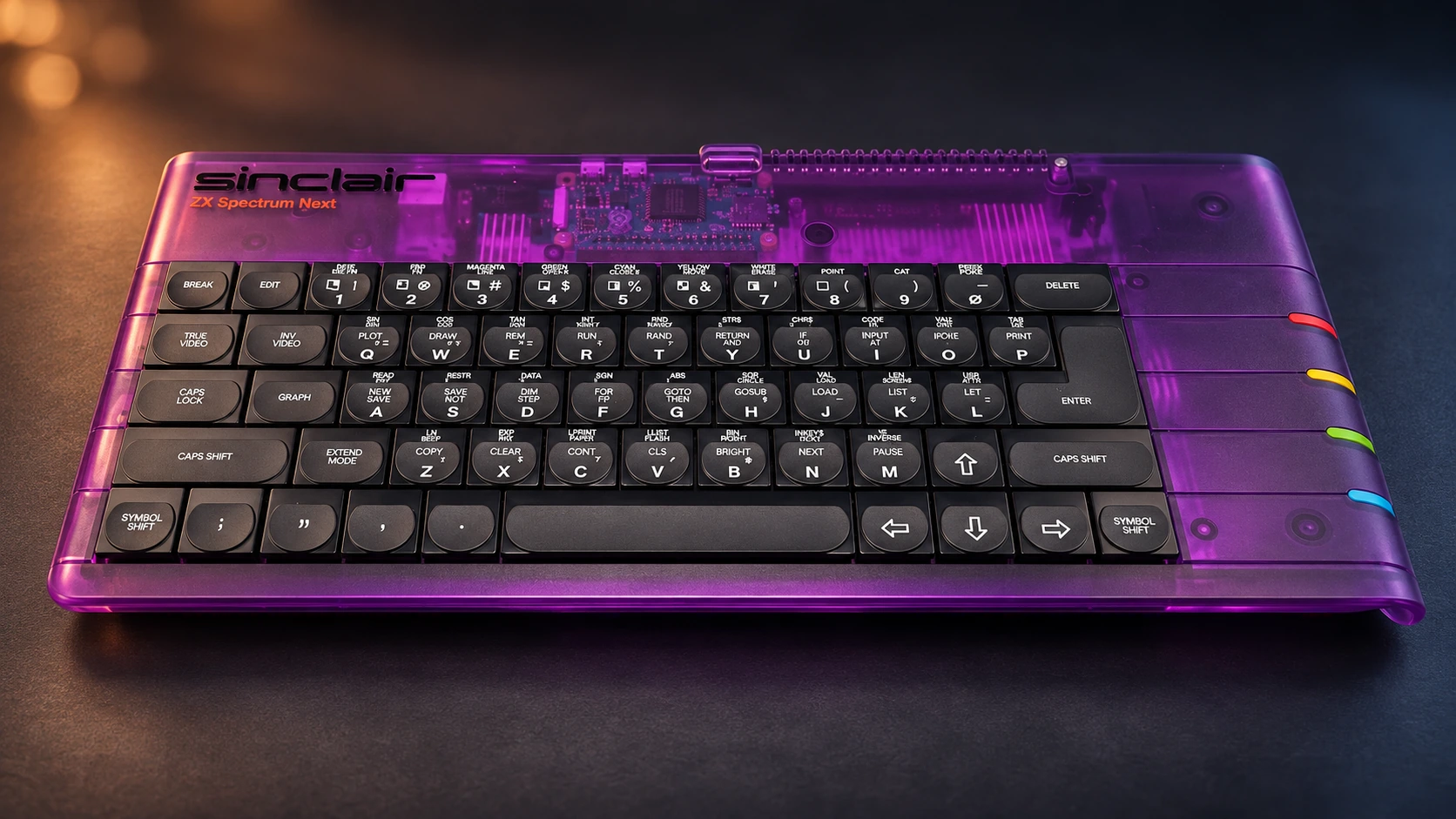
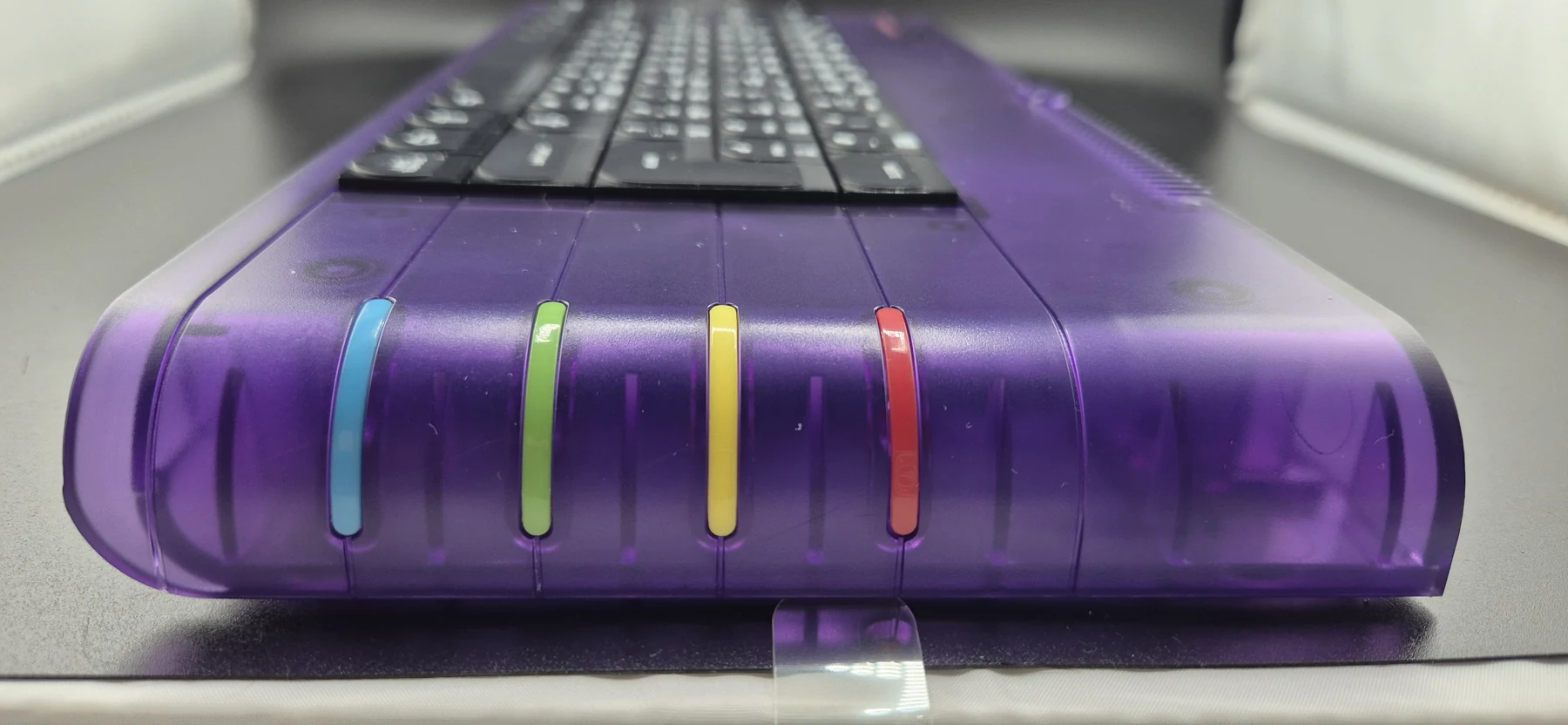
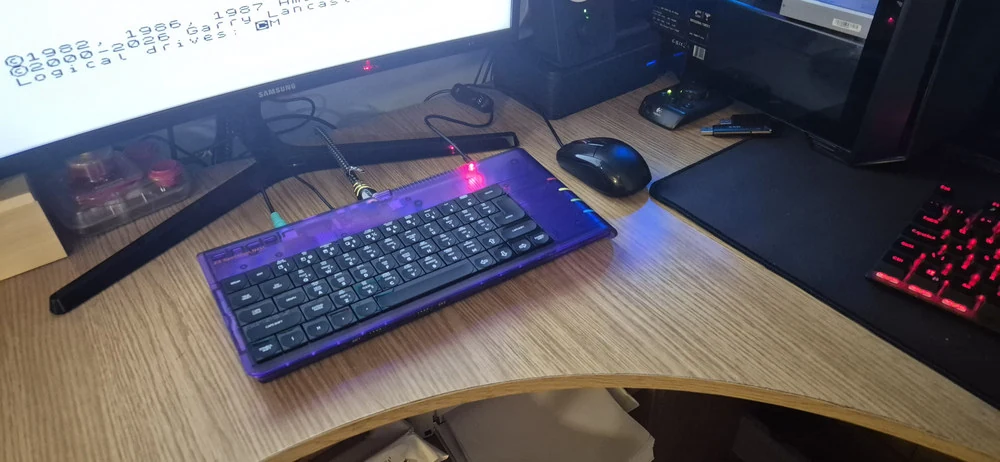
The translucent case looks simply brilliant. That is the immediate reaction, before getting into anything more technical. Being able to see through the coloured shell gives the machine a character of its own, with the keyboard and familiar Spectrum colour details completing the look.
I took photographs from several angles because there is quite a lot to enjoy: the shape of the case, its transparency, the visible electronics and the way the colour looks across its surfaces. A single photograph does not quite cover it.
The photographs within the article are of my actual machine; the cover is an AI-enhanced presentation based on one of those photographs. After all the anticipation, it is lovely to be able to show the Next that has arrived and will be used for the work on this website.
On the desk—and bringing my projects across
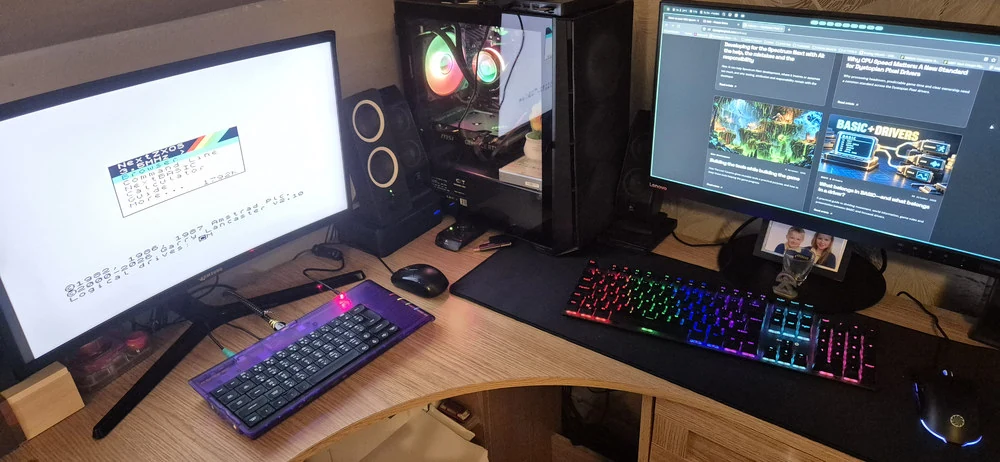
Once it was unboxed, I set it up and started bringing my projects and selected files across from the external SD card to the internal card. I wanted my working home directory available on the new machine so I could get back to creating things.
The first attempts gave me trouble. What ought to have been a fairly ordinary setup task became the afternoon’s first bit of troubleshooting. The answer turned out to be CalmCommander: using the latest version did the trick, and I was able to copy my projects and the files I needed between the cards.
That changed the mood of the job considerably. The Next was already connected and running; now I could get my own work onto it. The photographs below capture the setup during that first afternoon.
Bringing the system up to 26.11a
Setting up also meant bringing the machine up to System/Next 26.11a. The official release includes NextZXOS 2.10a, firmware 1.46 and core 3.03.03, with a fix for dropped HDMI audio frames. Its feature list also includes zero-wait-state 28 MHz operation and the zxnDimensionalDMA blitter.
For KS3 owners, the official instructions use the DSU update file together with install.bas and updater.bas on a fresh FAT32 card. The installer updates the internal card’s updater, supporting the machine’s two-card arrangement. Updating the system software and flashing the core are separate steps; the linked guide gives their sequence for each hardware generation.
That is the reference I would point readers to, rather than treating the KS1 and KS3 procedures as interchangeable. Getting the software current is part of preparing my development setup; exploring what the new facilities can do will be a longer project.
CalmCommander: an extremely useful tool for two SD cards
CalmCommander, by shrek128, deserves a mention of its own. It is extremely useful for managing files between the internal and external SD cards. In my case, it provided the practical answer to getting my projects and selected files onto the new machine after the earlier copying difficulties.
Its two-panel layout lets each side show a different drive and directory. With the external card as the source and the internal card as the destination, the relationship is much easier to see. In my setup that means copying from D: to C:, including the project material I wanted under C:/home/. This was a transfer of my working files, not a replacement for the System/Next update.
The file manager supports copying whole directory trees as well as individual files, selecting groups of items and checking before overwriting. That makes it useful beyond a one-off migration: it can help keep project folders and supporting files organised as work continues. Once installed, it launches from NextBASIC with .cc.
The latest release identified in the author’s notes at the time of this update is version 1.8c, released on 12 November 2026. It refreshes the displayed free space after file operations and drive changes. The author explains that the corrected issue concerned the displayed number, not damage to copied files.
The 1.8 series also added a Remount SD function for changing the card in the second slot without leaving CalmCommander. Follow its prompted unmount-and-remount sequence and keep the system card in place. That is a useful option for gathering projects from several external cards; it is separate from the successful transfer described here.
For this first day, the important result was simple: CalmCommander got me past the copying problem. It is a tool I am very glad to have available on the Next.
A new main machine, and a continuing job for the KS1
The plan is for the KS3 to become my main development machine. My original KS1 will remain in use for compatibility testing. Having both gives me a practical way to check work on the two machines I actually own.
That is useful for Dystopian Pixel, where the aim is to make games and reusable drivers that other people can enjoy. A result on one machine is a starting point for testing on the other. Owning both does not automatically establish compatibility; it gives me the opportunity to do the checks and record what happens.
The existing projects give the new arrival plenty to do. With my projects and selected files copied across, The Lost Caverns and the driver ecosystem can become part of the everyday setup on this machine. This first-day article is not a benchmark or an announcement of new driver milestones. Those results will come from the work that follows.
Well worth the wait
There is plenty still to explore. The initial copying difficulty now has a happy ending thanks to CalmCommander, and the new machine is becoming part of my working setup. I will share the useful discoveries as I go, including the awkward bits when they teach me something worth passing on.
Today, though, deserves a little space of its own. The arrival, the unboxing, my wife quietly laughing, and that brilliant translucent magenta case sitting on the desk: that is the story.
I was a kid at Christmas. Such a buzz. Well worth the wait.