
playerControl Driver
Last updated: · On hold
Why this driver exists
playerControl grew out of a problem in The Lost Caverns. As the game became busier, the player became slower to control until movement no longer felt playable. I wanted to keep building the game in NextBASIC while giving the character more responsive, consistent movement.
The driver takes the frequent player-control work out of the game’s main loop, leaving BASIC to organise the adventure. The Lost Caverns remains its first practical test, bringing movement, scenery, ladders and animation together in real levels.
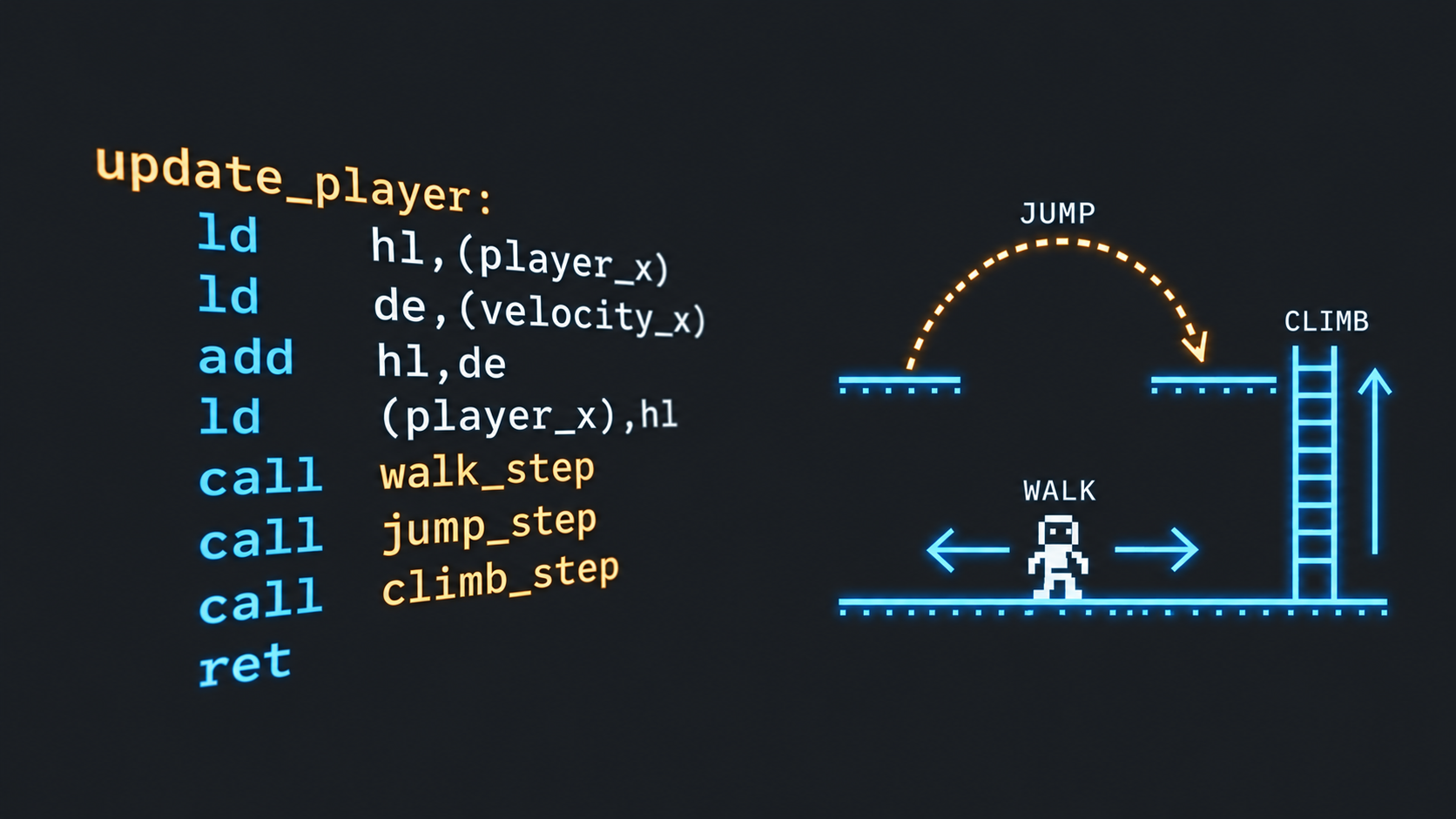
Movement, ladders and jumping
The latest build has passed hardware checks for normal movement, floor and platform jumping, gravity, collisions and ladder behaviour. The player can climb, jump away from a ladder to either side, and jump normally after reaching its top. Landing on a ladder top behaves like a normal landing; climbing artwork belongs to actually climbing.
While attached to the body of a ladder, the player cannot jump straight upwards. Briefly pressing sideways and then abandoning the departure does not bypass that rule. Jumping from the top towards the bottom of another ladder above remains possible, and the unwanted snapping and direction changes found during development have been resolved.
Super-jump and completed falls
Super-jump can be enabled or disabled by the game. When enabled, a fresh jump press while the player is still rising gives one extra upward boost. Holding jump does not repeat it, a third press adds no further boost, and it cannot be triggered while falling or after walking off a ledge.
The driver also reports how far the player has fallen when a landing completes. Walking off a platform measures from its edge; a normal jump or super-jump measures from its highest point. Climbing down does not count as a fall, and catching a ladder cancels an unfinished fall. The game will use these results to decide whether the landing is dangerous.
The foundation and the next stage
The foundation is Simon N Goodwin’s SpriteHax work. playerControl builds on that starting point for the demands of a 2D platformer. His book, Next Tech: Get the Best from your ZX Spectrum Next, explains the underlying ideas, and credit for the original routines belongs to Simon.
Buy Simon’s Next Tech book ↗ SpriteHax information and companion downloads ↗
The movement, fall-measurement and super-jump checks are now complete for the current baseline. V1 now provides configurable movement, physics, animation and controls, including redefinable keys and Kempston joystick support. Version 2 planning builds on that foundation. The game remains responsible for its dangerous-fall death and life-loss sequence.
A wider Version 2 combat plan
The next-version plan now includes player weapons and projectiles, using consistent combat behaviour across playerControl, shipControl and enemyControl. Each driver will still own its own characters or ships, while BASIC retains the game’s lives, score, death and respawning decisions. These are planned additions to the existing platform-control foundation.
A broader V2 movement plan
Version 2 is planned to support up to four independently configured players, world positions and movement limits, external forces, slopes, moving platforms and optional blocking between players. Boundary events will report reaching an edge once. Camera and terrain responsibilities stay with scrollingControl; final player movement stays with playerControl.
Planned interactions beyond platform games
V2 will also support four-direction top-down movement with platform-specific mechanics disabled, and report object overlap and action-button interactions. NextBASIC decides their meaning and gameplay outcome. V1 remains the current stable release.