
particleControl Driver
Last updated: · Not started
Establish the first working foundation
Use a small driver and a simple BASIC example to check installation, configuration and the earliest particle behaviour on a real ZX Spectrum Next.
Build effects in manageable stages
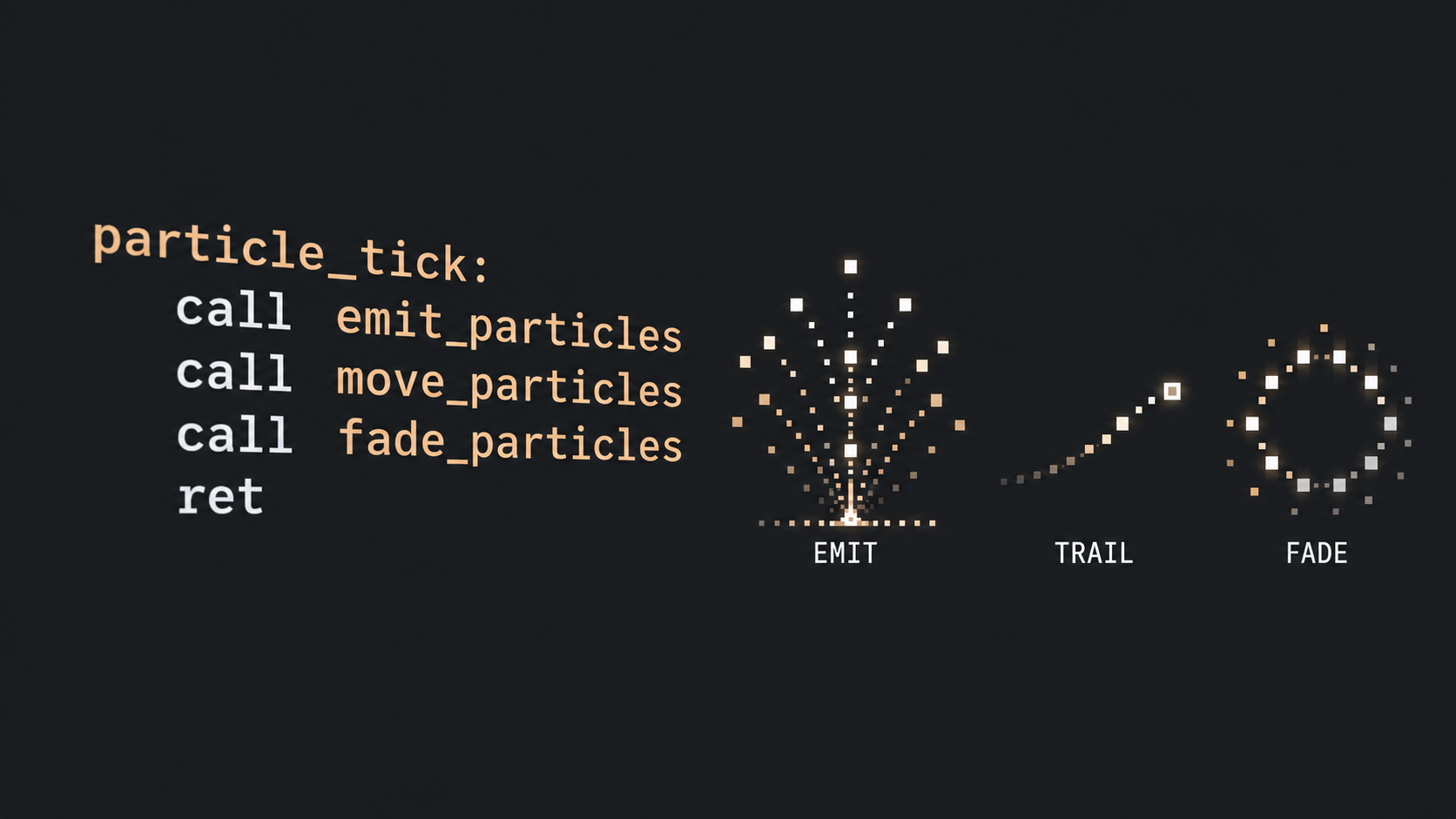
Develop emission, movement, lifetime and visual changes, then add trails, emission shapes, repeating effects, drawing priorities and screen-edge behaviour. Each stage should have a small example that makes its behaviour easy to see.
Exercise changing emitters
Use examples in which position and strength change during play, including an effect attached to a moving object and an effect that grows or fades automatically.
Make the examples reusable
Prepare clear examples showing how BASIC chooses particle artwork and configures an effect. Keep the game-specific installation and setup straightforward.