
particleControl Driver
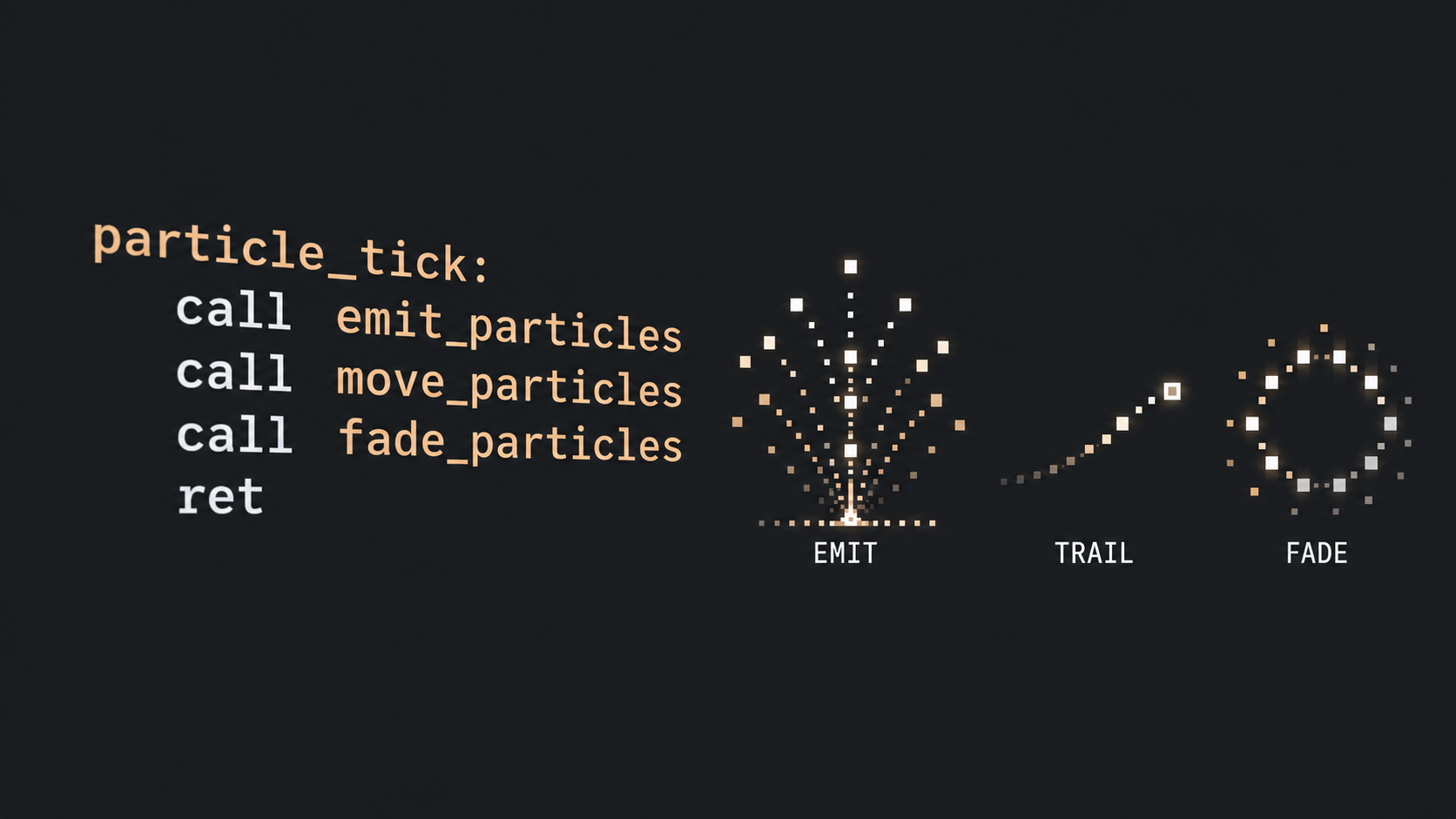
Last updated: · Not started
Effects that can be shaped around a game
The version panels describe the agreed direction for particleControl. V1 is being designed around configurable effects within the visible screen. V2 will build towards world-based effects as the scrolling system becomes available. These are intended capabilities, rather than a completed release checklist. The illustrations are reference artwork showing the ideas behind the features, not demonstrations produced by the driver.
Version 1.0In development
Configurable effects across games
Choose built-in particle artwork separately from effect behaviour. Configure particle motion, velocity and spread, and select a particle capacity that suits the game within the supported limit. The driver will update particles automatically while BASIC manages the game.
Dynamic emitters and moving trails
Change an emitter’s screen position and strength during play. Offsets will let an exhaust or damage effect follow a spaceship, character or enemy. New particles will come from the updated position, while existing particles continue on their own paths, leaving a trail behind.

A trail behind a moving object
The rocket illustrates the visual idea: the source moves with the ship, while the exhaust remains behind it. BASIC will choose where to place the source as the game runs.
Reference: Learn How to Make Pixel Art — Adobe.
Appearance over a particle’s lifetime
Particles will be able to change their appearance as they age. A bright spark could grow, change colour and become dimmer before disappearing, giving an effect a beginning, middle and end.
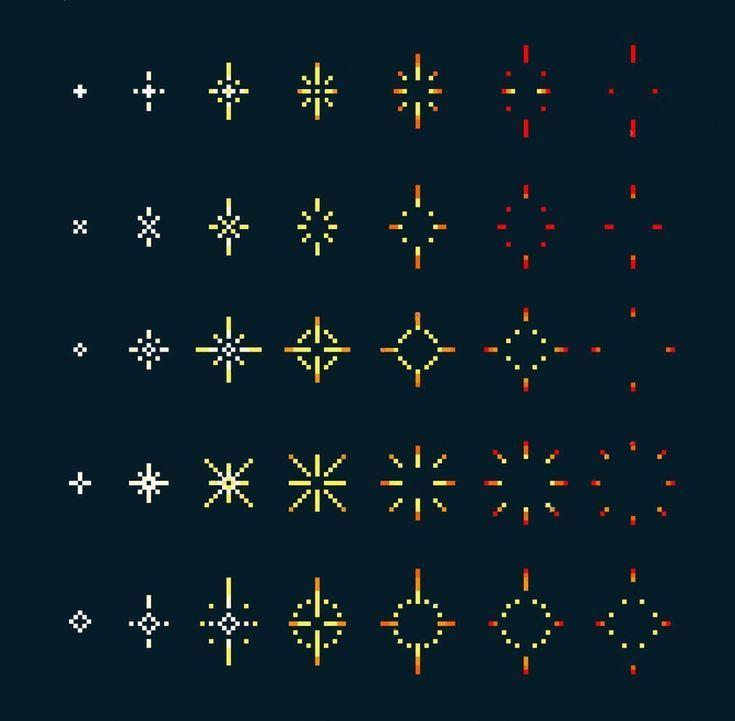
Sparks that change over time
The rows illustrate different spark shapes passing through visual stages. V1 is intended to support changes of artwork and colour over a particle’s lifetime.
Reference: Pixel Art Tutorial: Create Sparkle Motion Characters.
Emission shapes and timing
Point, line, rectangle, cone and radial emission are included in the V1 design. These describe where particles start and how they spread, separately from their artwork. An effect could run continuously, last for a set period or repeat.
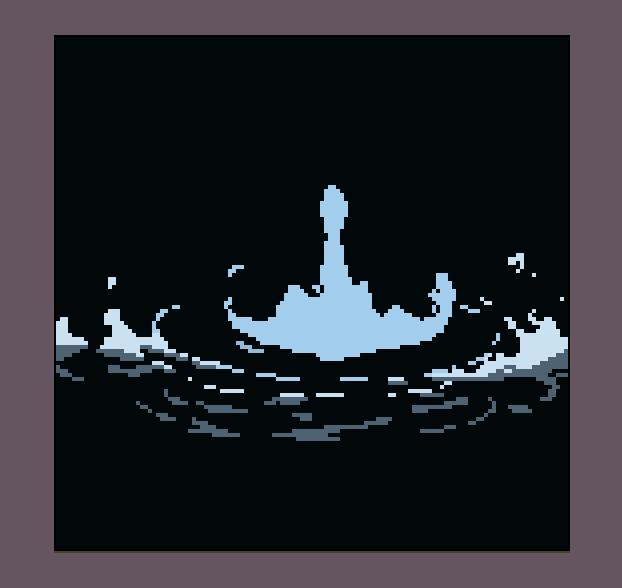
Splashes and fountains
The splash suggests droplets spreading away from a central source. A narrow upward stream, a wider spray and a radial burst are different arrangements a game could create through the emitter settings.
Reference: Cartoon water splash gif — ginafreedlitiring1981’s Ownd.
Strength that grows and fades
Automatic strength transitions will let an effect build up or reduce its intensity. Strength can also be changed directly by the game. The developer will choose whether a stronger effect produces more particles, changes their speed or keeps them visible for longer.
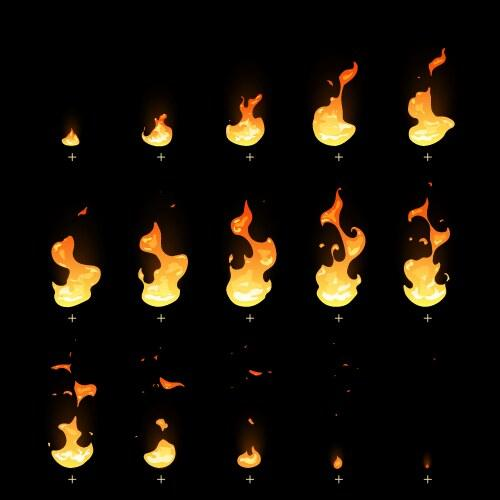
From a small flame to a blaze
The flame sequence illustrates growth and decline. A campfire could gradually become more intense, then die down, without BASIC needing to manage every individual particle.
Reference: Pixel Fire Flame Animation Sprite — VectorStock.
Timed bursts and repeating activity
Timed and looping emitters will let a game create intermittent electrical arcs, steam vents or magical pulses. A short burst can finish on its own; a repeating effect can return at a chosen interval.
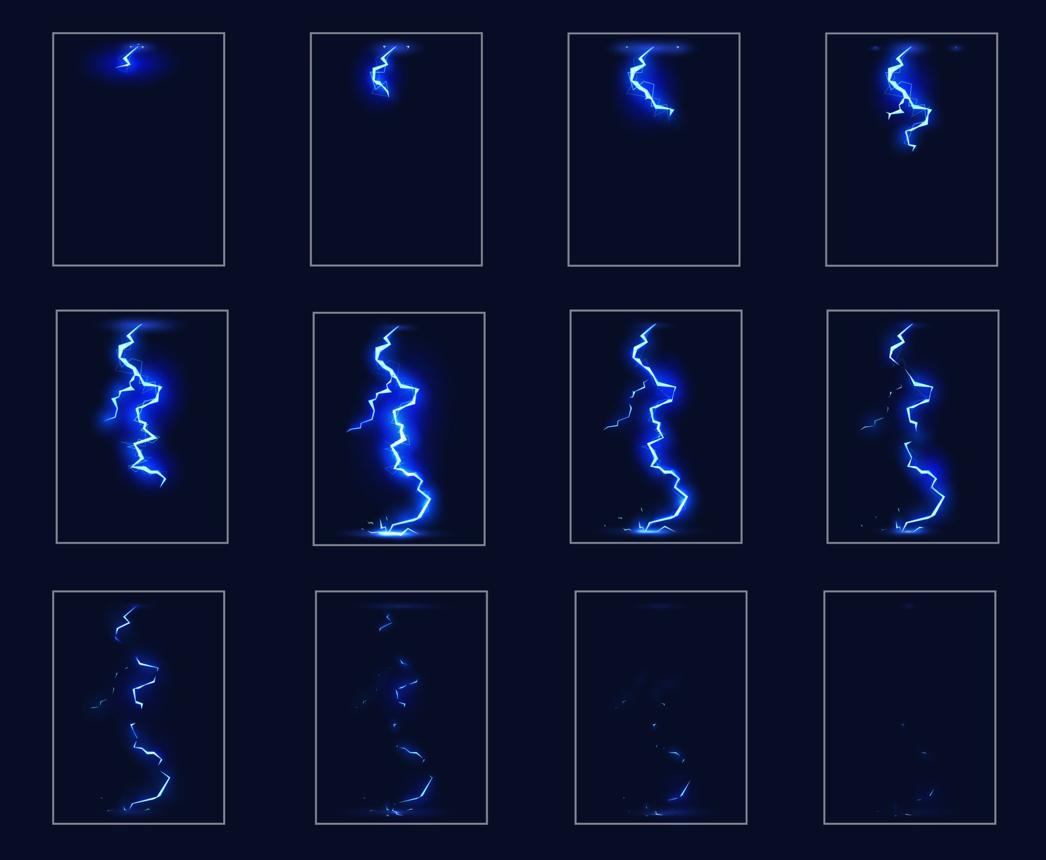
Electrical activity in bursts
The sequence shows an electrical arc appearing, developing and disappearing. It illustrates the kind of repeated activity the timing controls are intended to support.
Reference artwork: Cartoon lightning sprite animation effect, game ui.
Drawing priorities and screen boundaries
Emitter priorities will help determine which effects take visual precedence. Basic behaviour at the screen boundary is included, with V1 concentrating on effects in screen coordinates.
A game component with useful shared context
The driver will be configured from BASIC and kept with the game, without a separate system settings file. Emitter position and strength will leave a useful foundation for later optional audio or spoken feedback, while particleControl operates independently.
Version 2Planned
World-based effects
Add world-based coordinates after scrollingControl is available. The aim is for an effect to remain associated with its place in a larger game world while the camera scrolls, building on the screen-based foundation of V1.
Develop the relationship with scrolling
The scrolling and particle systems will need to be exercised together before world behaviour can be established. V1 is being designed to leave room for that extension without requiring scrollingControl to be installed.