
printControl Driver
Last updated: · Not started
What V1 is intended to do
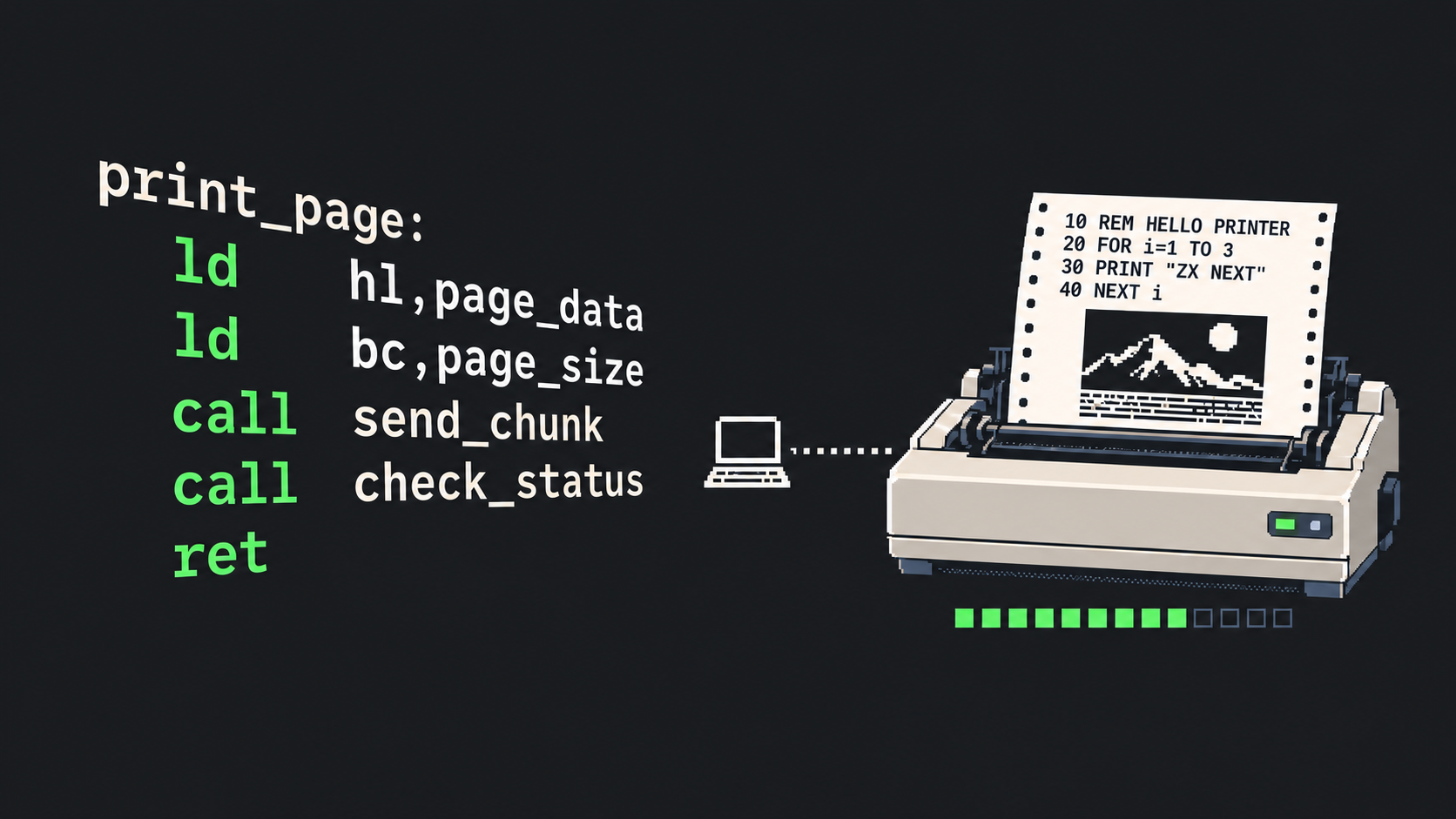
The first version is planned around a complete printing journey: choose a compatible printer, save its settings, print text or an image, follow the job and recover if something goes wrong. The panel below describes the agreed feature scope, rather than completed functionality.
Version 1.0Planned
Find and remember a printer
Discover compatible network printers, show their names and available capabilities, then choose a default. Manual setup will remain available when discovery cannot be used. Saved printer selection and preferences will be restored after a restart, so ordinary jobs need not repeat the printer setup.
The service will choose a suitable supported printing method automatically where possible, with a manual choice available. Printer information can be refreshed when the printer changes.
Text and BASIC listings
Print ordinary text, application output and NextBASIC programme listings through the familiar printing commands. Configurable line width, wrapping and line-break handling will help keep listings readable.
Spectrum-specific characters will use useful printable equivalents where possible, with a documented replacement when necessary. Complete reproduction of every graphical character is beyond the first version.
Screens and images
Print the traditional Spectrum display, Next Layer 2 screens and images prepared by an application. The driver will handle the conversion into a form a compatible printer can use.
Automatic, colour, greyscale and monochrome output are planned. Monochrome conversion will include a way to preserve useful detail through dot patterns. More demanding conversion choices will be considered during implementation rather than promised before they are developed.
Page layout and print quality
Choose automatic, portrait or landscape orientation; automatic paper selection, A4 or Letter; and draft, normal or high quality where the printer supports them. Single-sided and supported double-sided printing will be available, including either binding edge.
Images can use actual size, fit the page, fill it or enlarge by whole-number steps, with left, centre or right alignment. Fitting and centring will be the normal defaults. Scaling should preserve the picture’s proportions.
Choose from 1 to 99 copies for a job. Supported printer capabilities will guide paper, quality, colour and double-sided choices instead of assuming every printer offers the same options.
Follow and control a job
Show useful progress and distinguish connecting, printing, completing, cancelling, recovering and error states. Applications will be able to finish a job explicitly, with automatic completion also available after an adjustable quiet period.
Cancel an active job and return to a usable state without resetting the Next. V1 supports one active job at a time. An application can give a job a title, submit prepared text or images, and decide when it finishes; ordinary text printing can continue to start and finish jobs automatically.
Useful errors and recovery
Explain problems such as an unavailable printer, interrupted connection, unsupported setting or invalid configuration. Waiting will have a limit so a missing printer cannot leave BASIC stuck indefinitely.
Finish jobs cleanly and release the connection. Recovery will aim to restore a usable service, reserving a Wi-Fi hardware reset for situations that need it. Completion and timeout behaviour should remain consistent at both 50 Hz and 60 Hz.
Setup, diagnostics and test printing
A companion utility will list and select printers, show capabilities and job status, change preferences, save or reload settings, run diagnostics and request recovery. Users should normally configure printing through this utility.
A test page will exercise ordinary text, line width, character handling and a small image where supported. Applications will be able to check the driver version and available features. Missing or invalid saved settings should leave startup usable and allow the utility to restore sensible defaults.
Check whether the selected printer can be reached without printing a page, refresh its capabilities, and query useful job status or the last reported problem. The setup utility will manage saved preferences; the driver will use the selected printer and settings without making each application manage those files.