
SimCoupe to Sam Coupe
Two approaches to getting software from a modern PC onto real SAM Coupé floppy disks, with a longer-term interest in recovering old work.
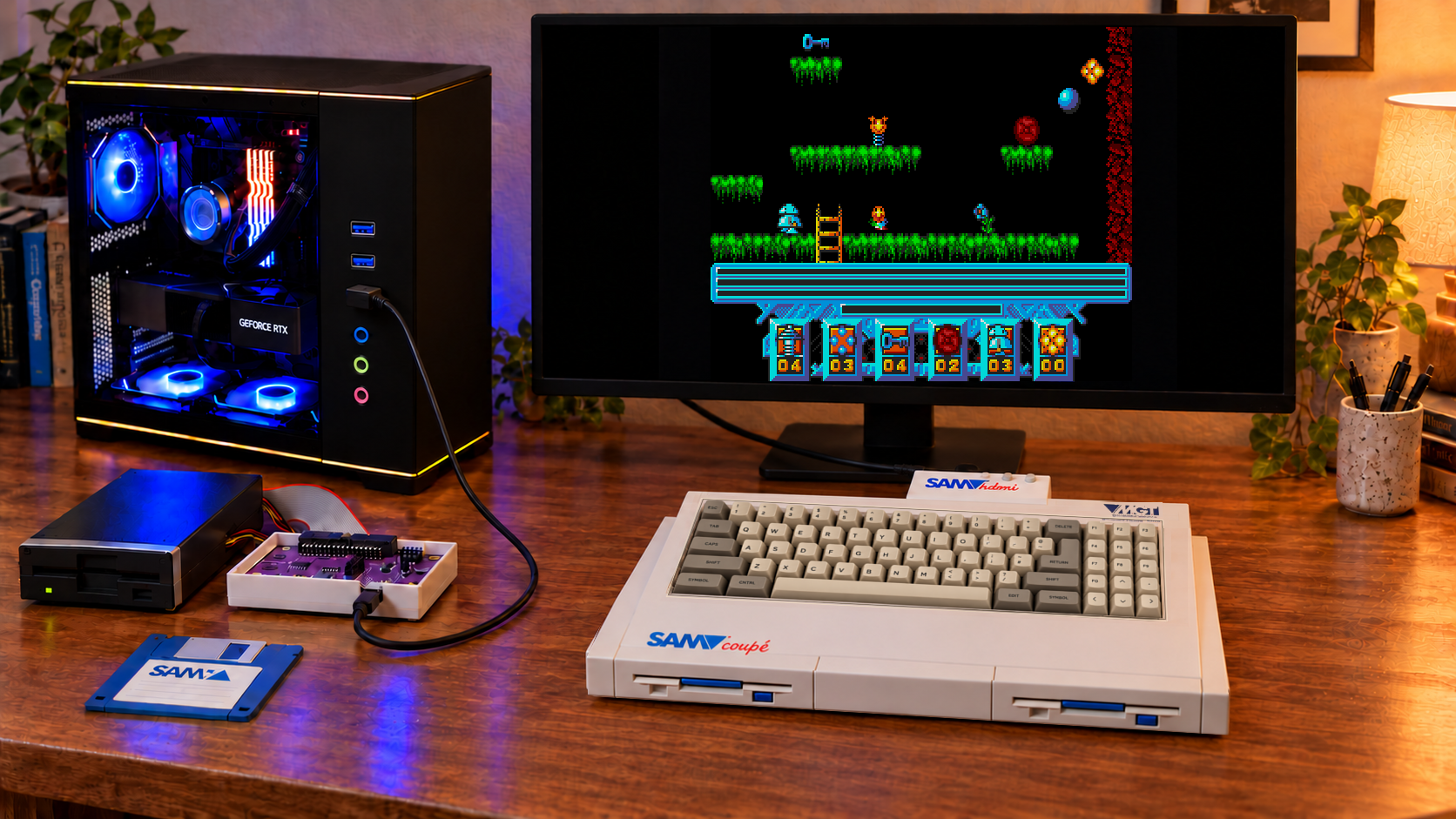
Getting software back onto a real disk
This project is about documenting practical ways to move software from my PC onto floppy disks for the SAM Coupé. It brings together two approaches: an ordinary USB floppy drive with writeusb, and a conventional internal drive connected through Greaseweazle. The USB setup is documented; the conventional-drive solution has not been started.
Method one: a USB floppy drive
My current notes use writeusb on NixOS to prepare supported SAM disk images for a USB floppy drive, write them to suitable double-density disks and verify the result. It offers a useful transfer route within the limits of that drive and the conversion process. It is not a way to recover an original SAM disk sector for sector.
Method two: a conventional drive and Greaseweazle
The second approach uses a 34-pin PC floppy drive, a ribbon cable, suitable power and a Greaseweazle controller. The intention is to investigate native disk writing and preservation with access beyond the limits of a standard USB floppy drive. This is the unstarted method. The drive itself is a conventional floppy drive; Greaseweazle still connects to the PC by USB.
A personal reason to investigate
I also have a disk from around 1989–1990 containing programs I wrote on my SAM. Its directory can be listed, but loading the programs produces disk errors. Alongside transferring new software, I would like to find out whether any of that old work can be recovered. There is no recovery result to report yet.